
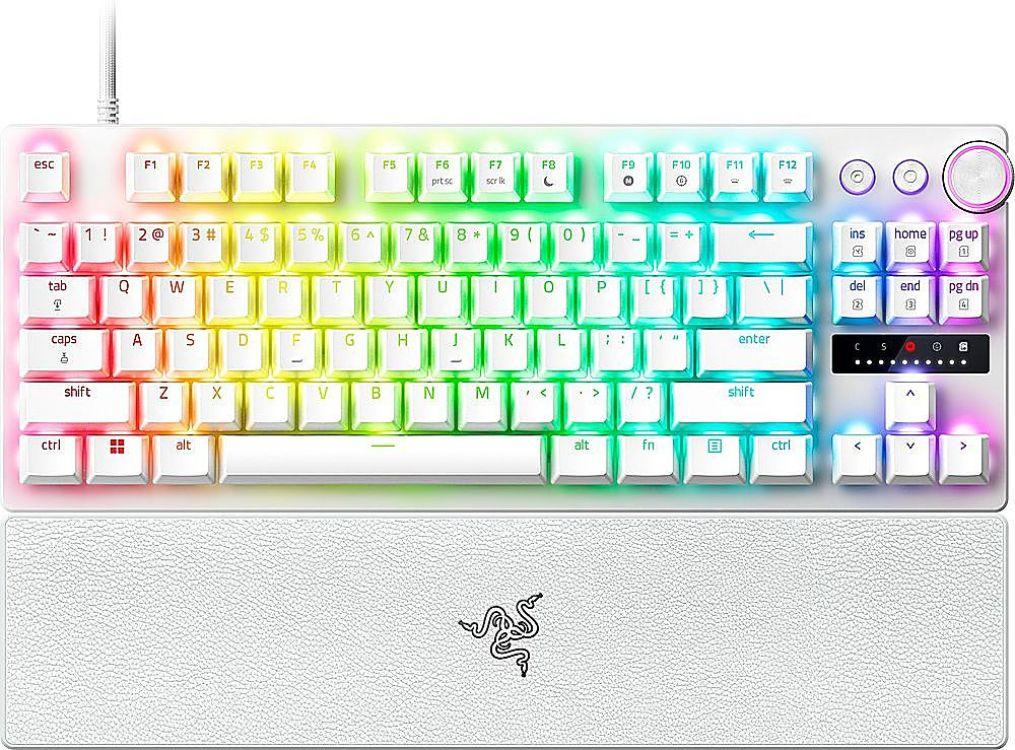
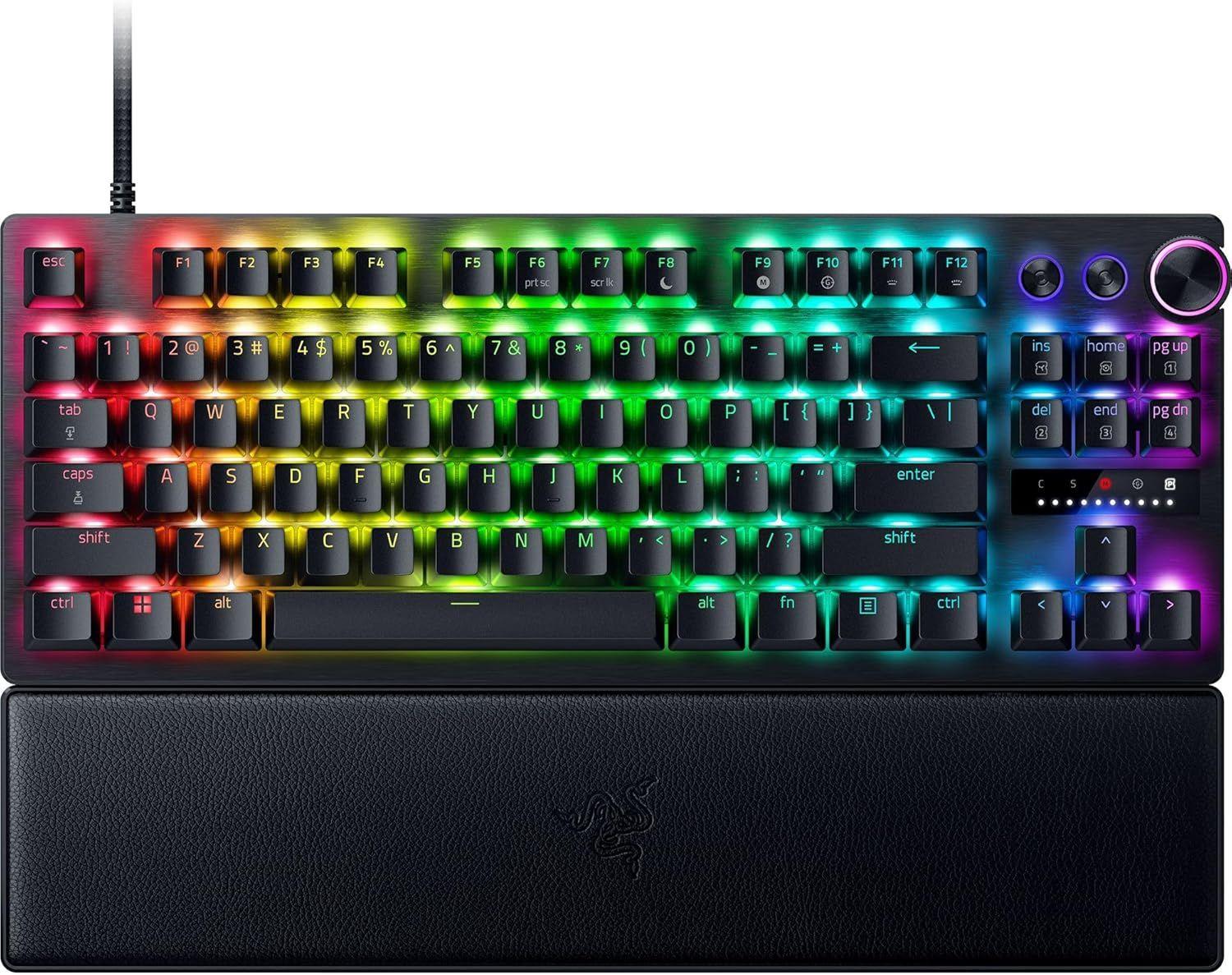
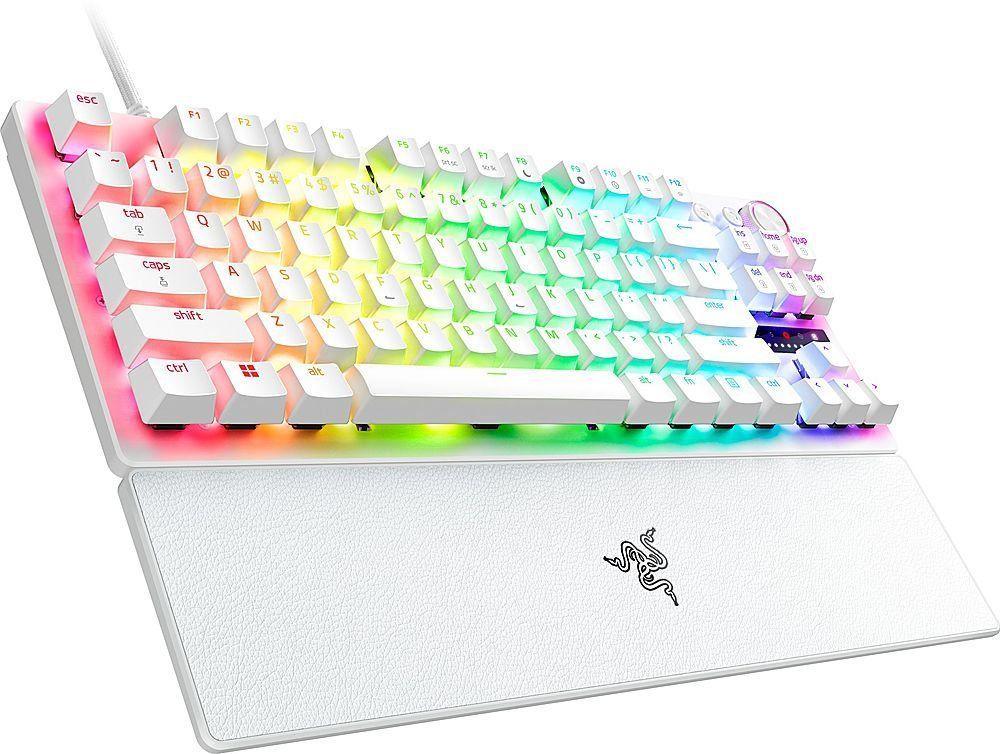
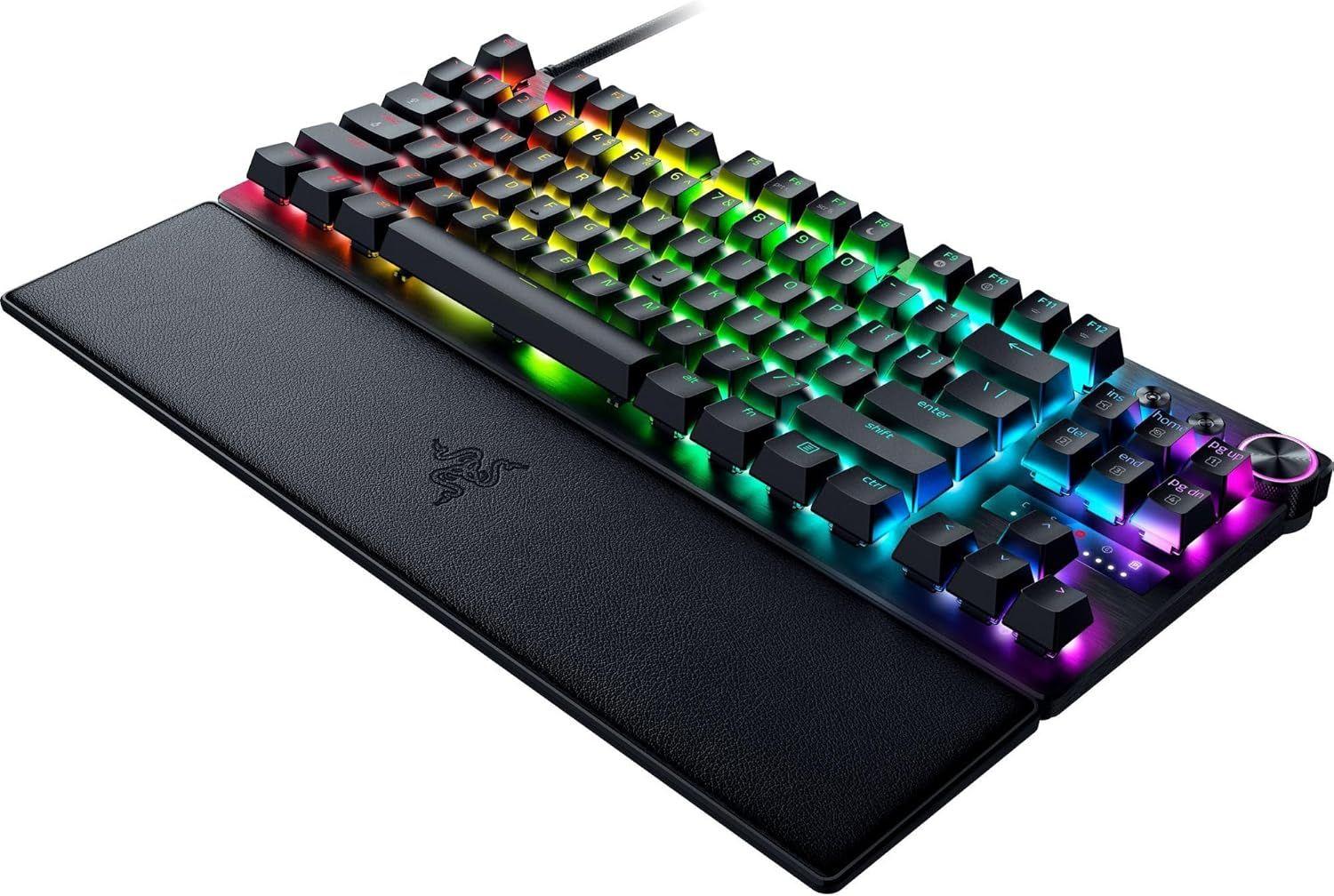
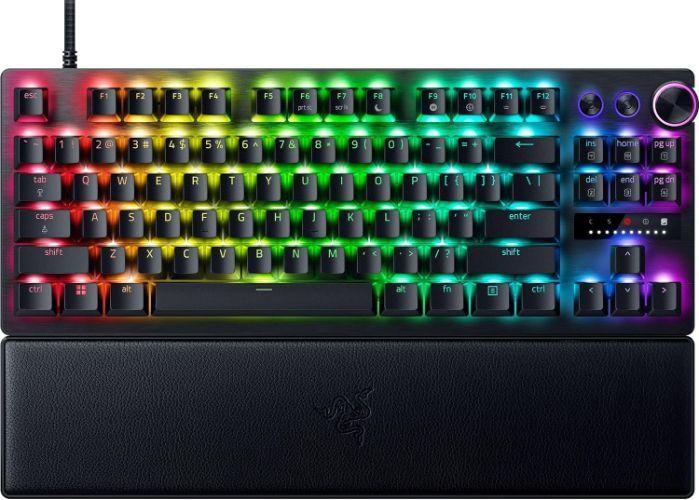
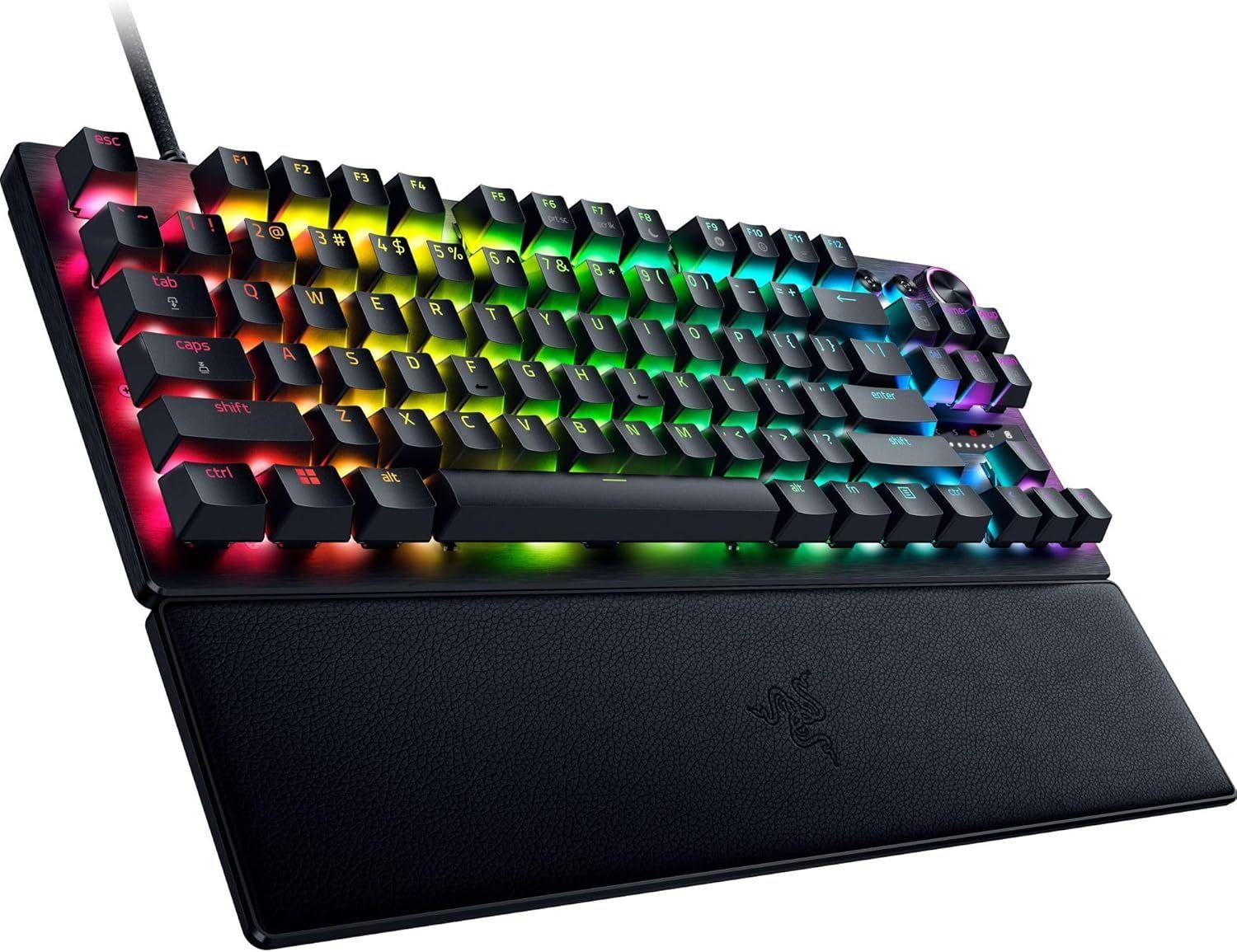
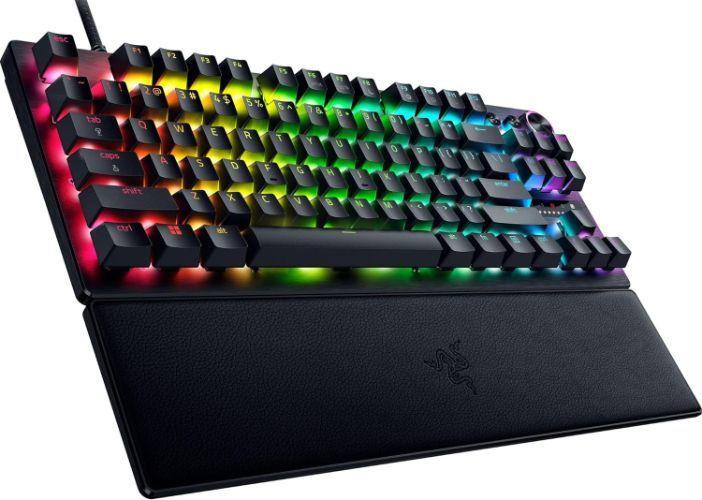
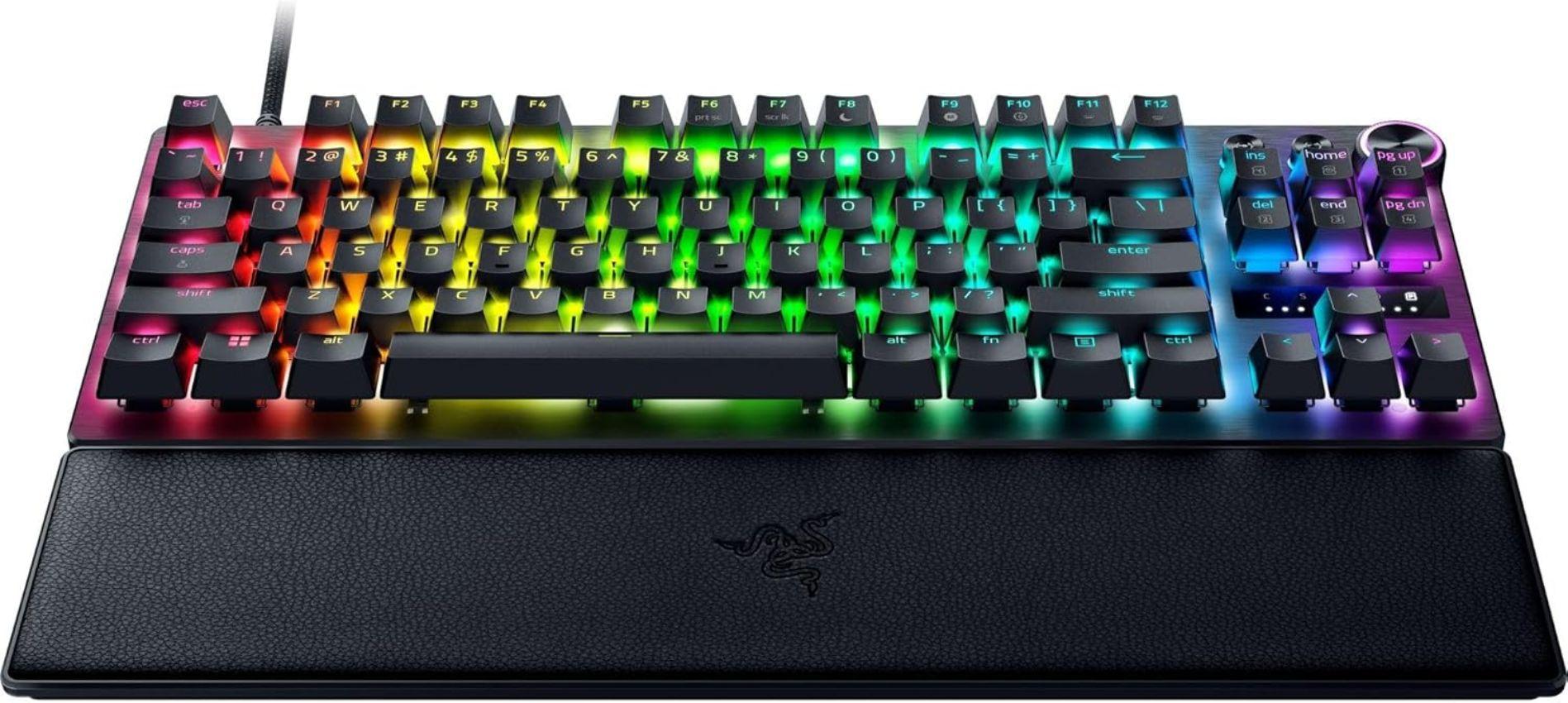
Razer Huntsman V3 Pro TKL Gaming Keyboard


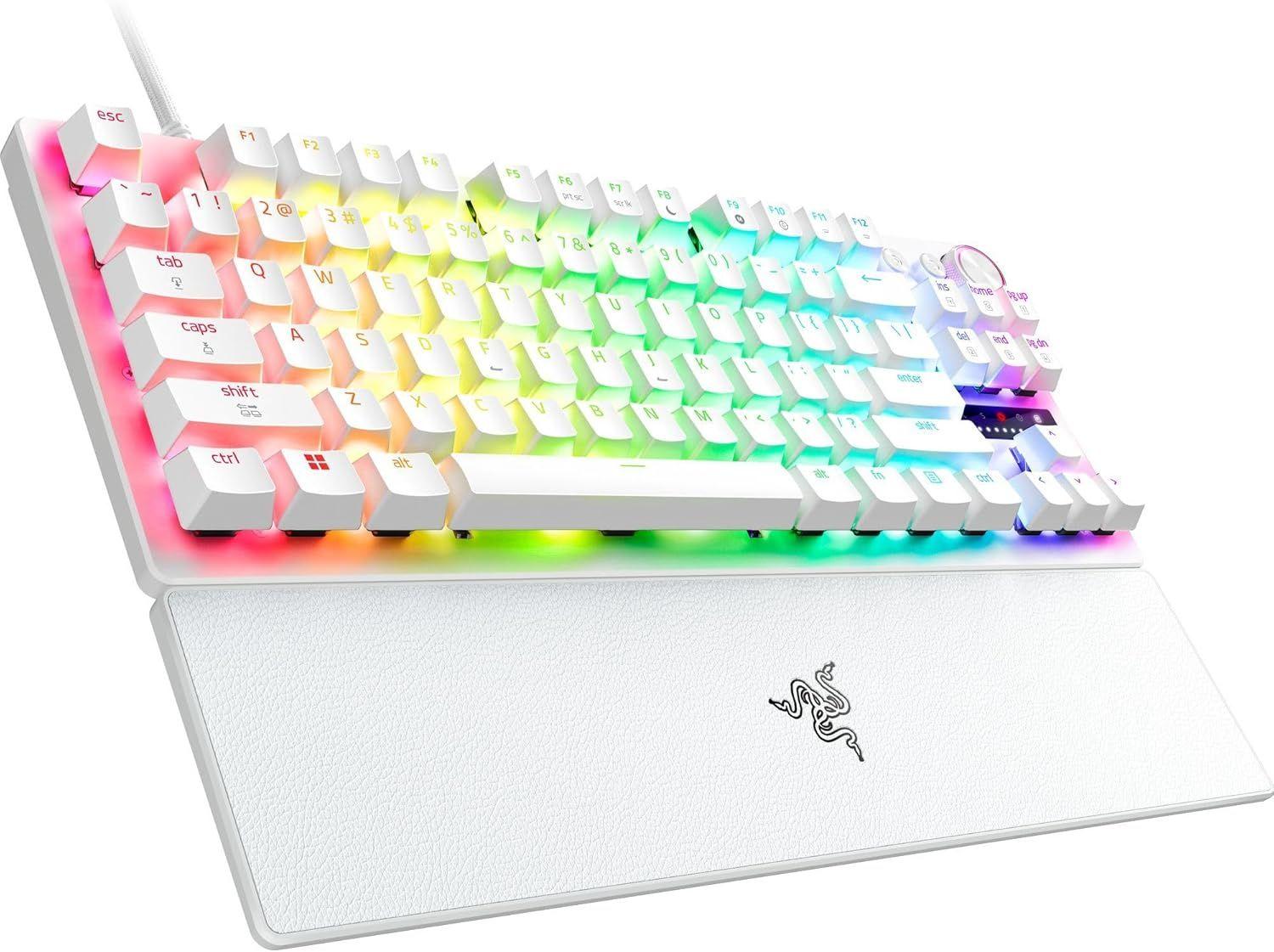
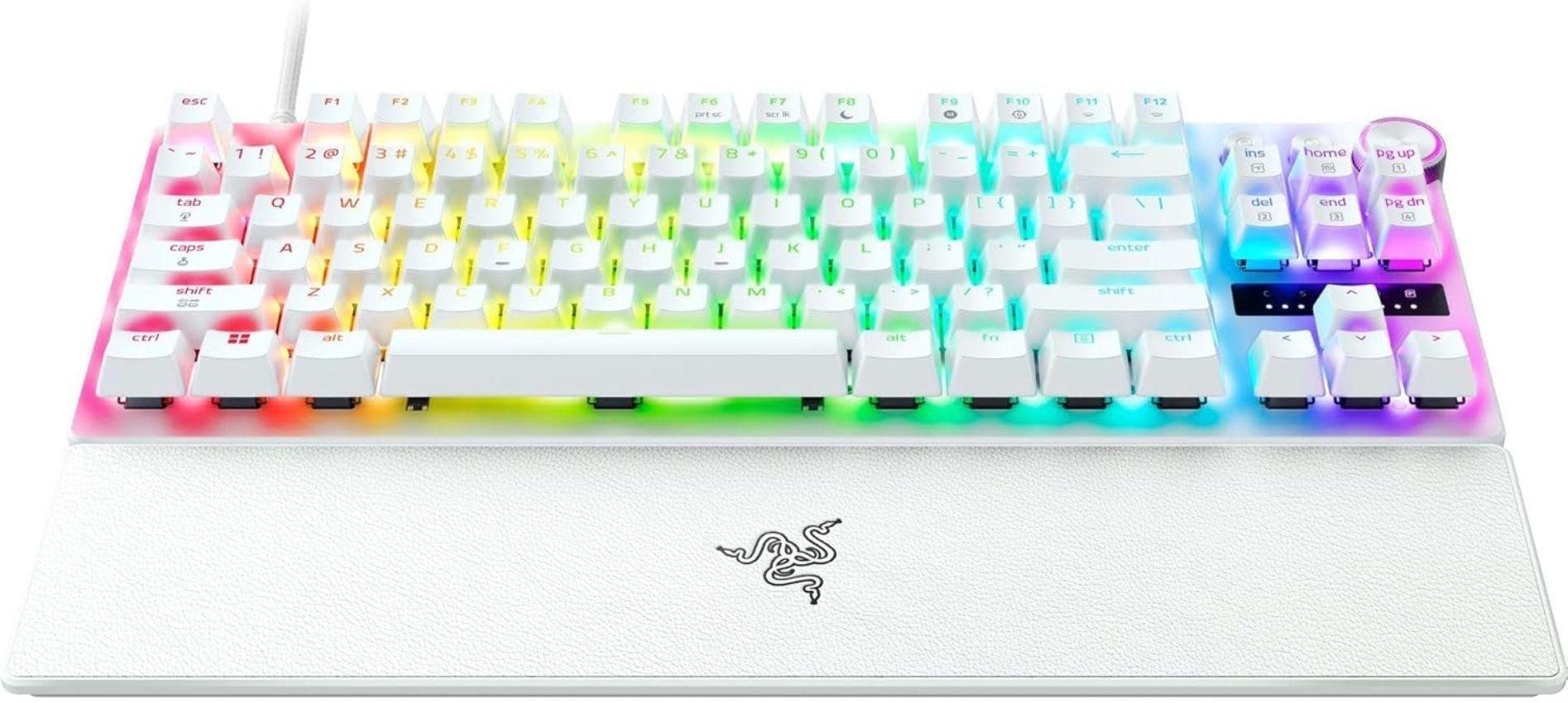

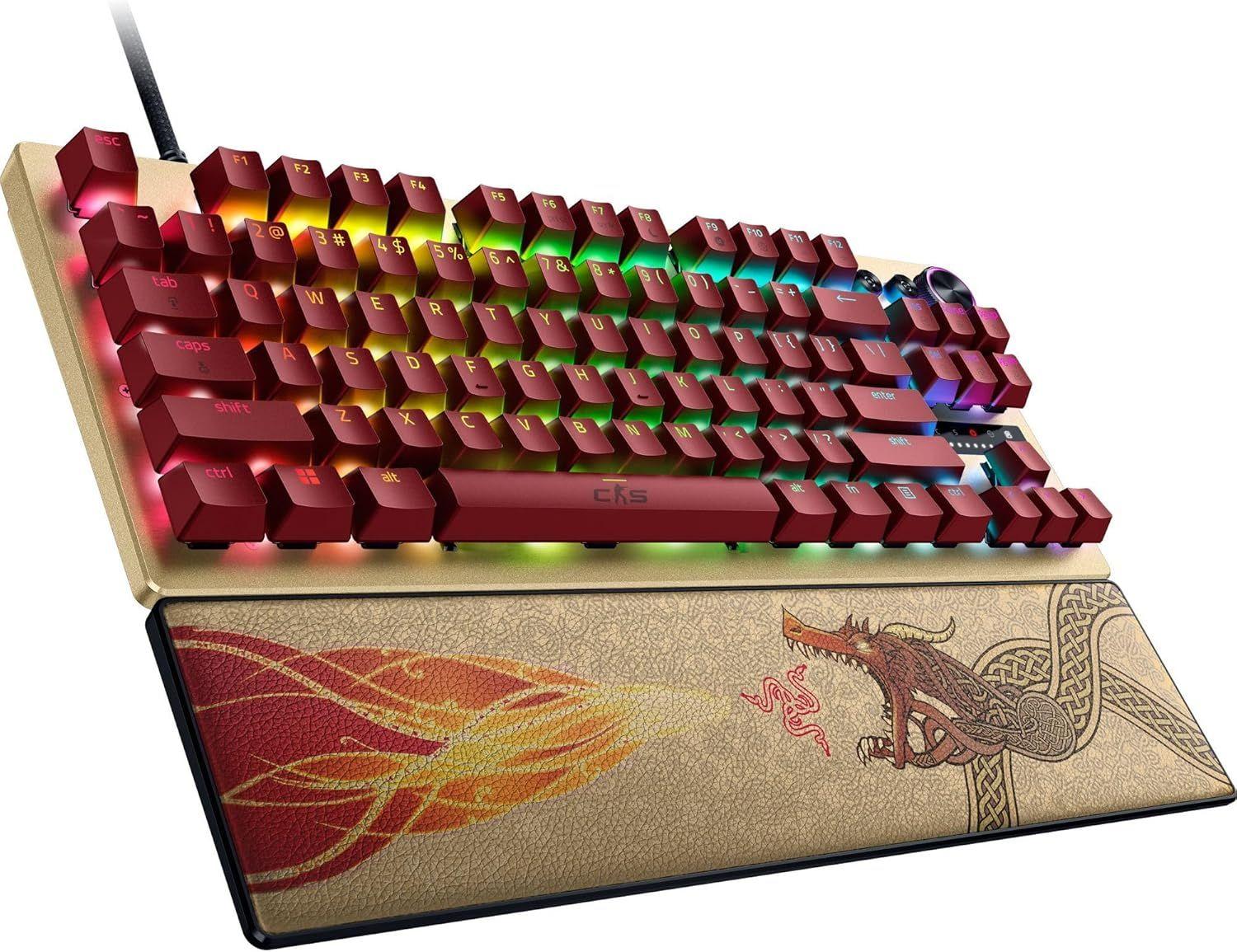
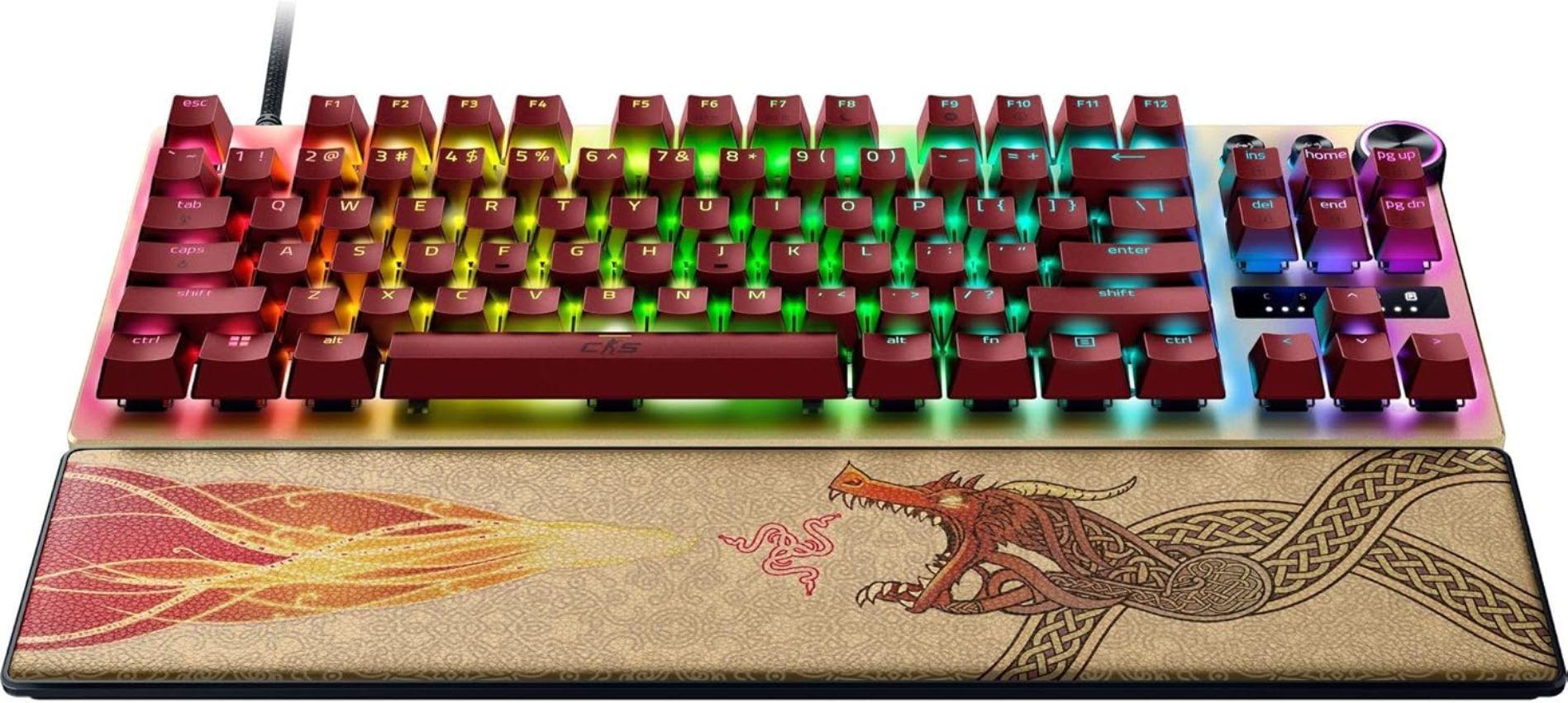
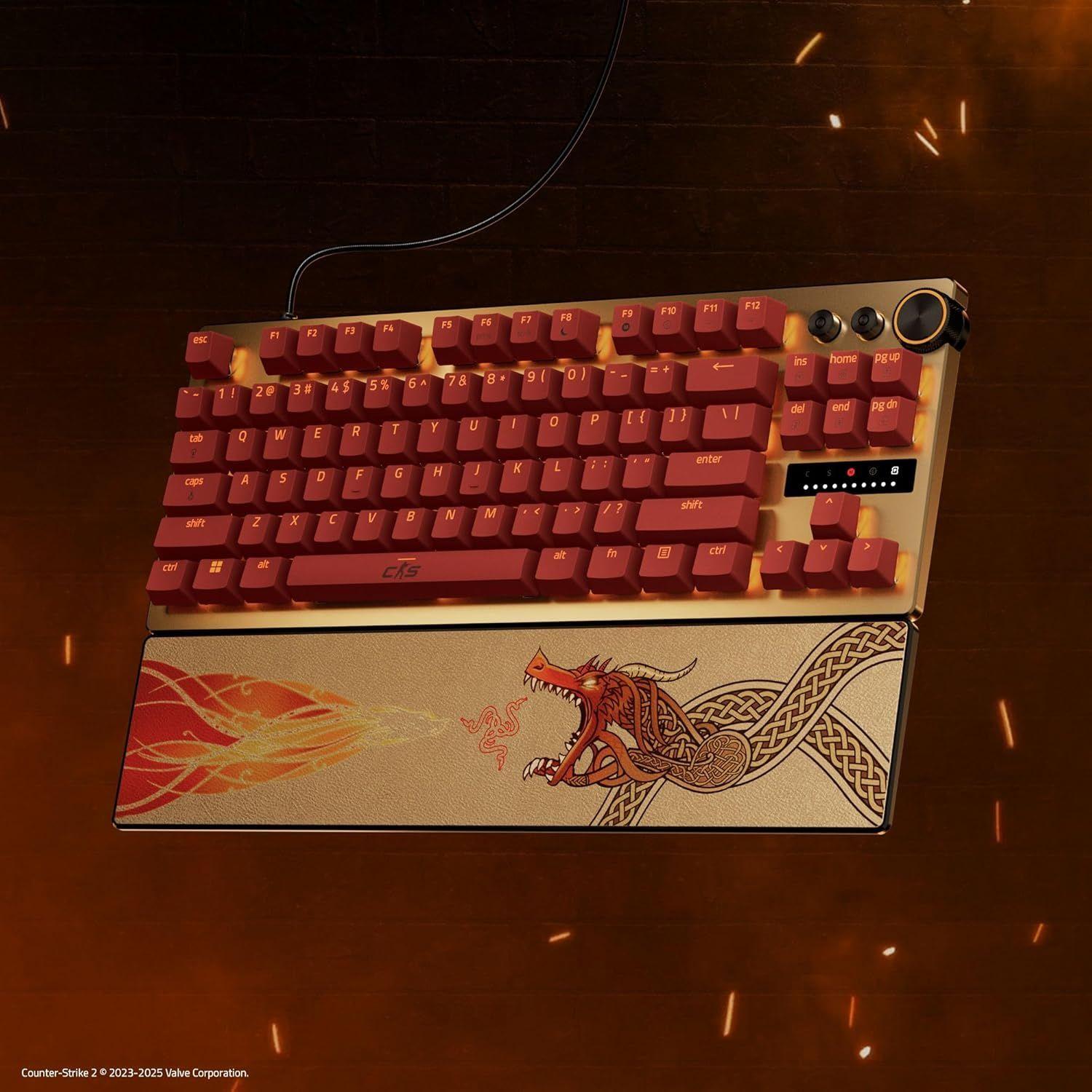
BEZPŁATNA dostawa
Razer Huntsman V3 Pro TKL Gaming Keyboard
BEZPŁATNA dostawa
- Product Name
- Razer Huntsman V3 Pro TKL Gaming Keyboard
- SPECIFICATIONS
- Brand
- Razer
- Product Series
- Huntsman V3 Pro TKL Gaming Keyboard
- Color / Design
- Black
- Size
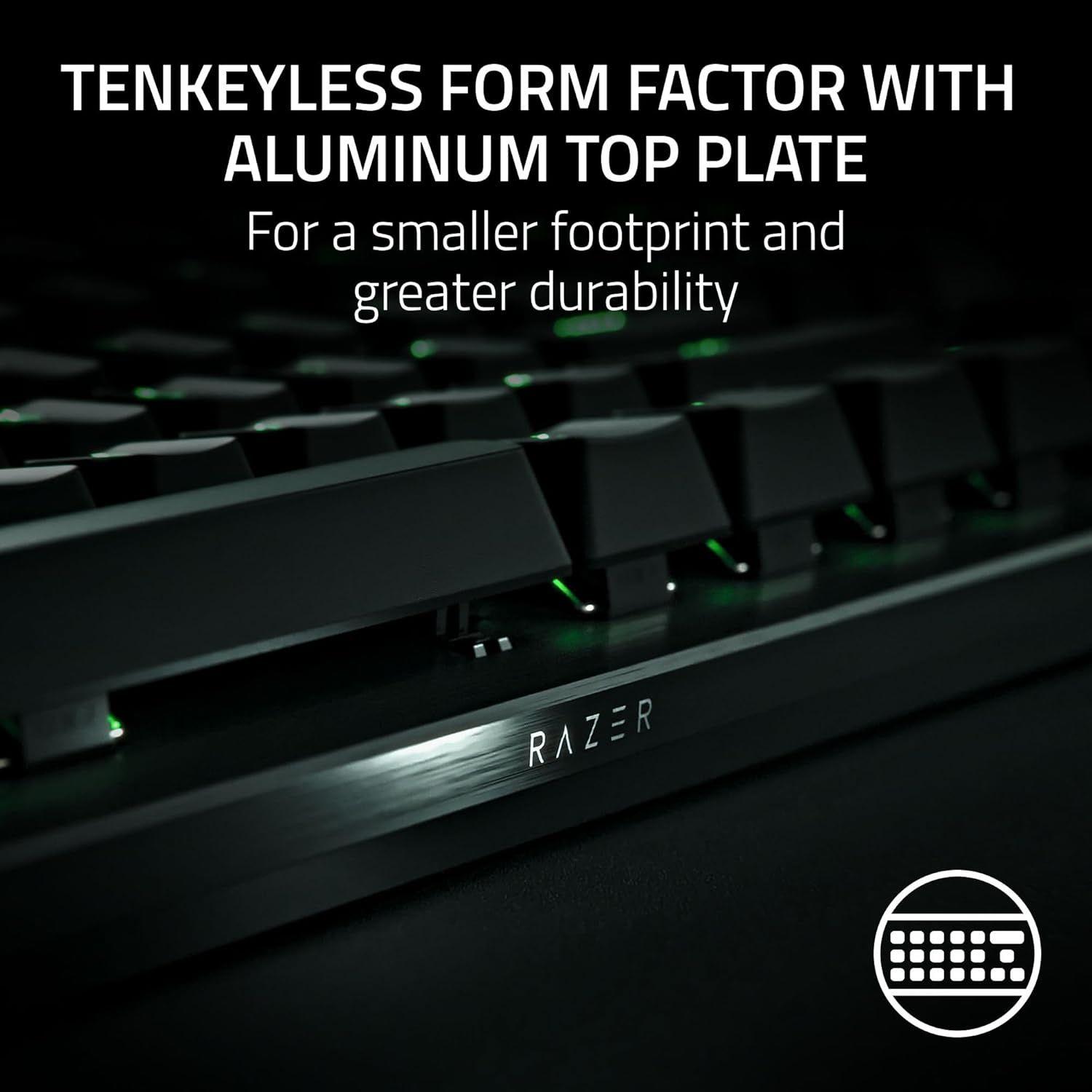
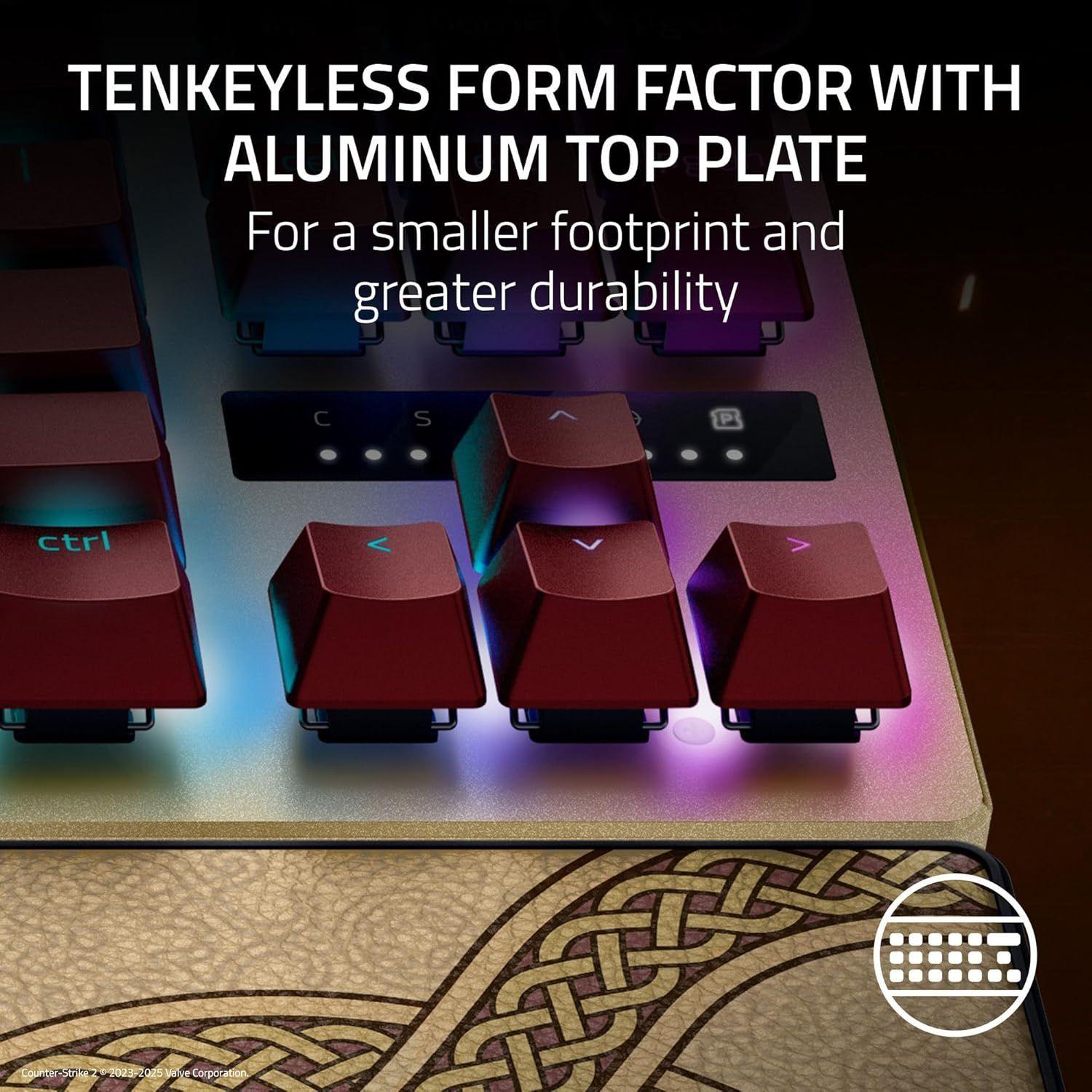
- Tenkeyless
- Keyboard Layout
- US Layout
- Switch Type
- Razer™ Analog Optical Switch Gen-2
- Lighting
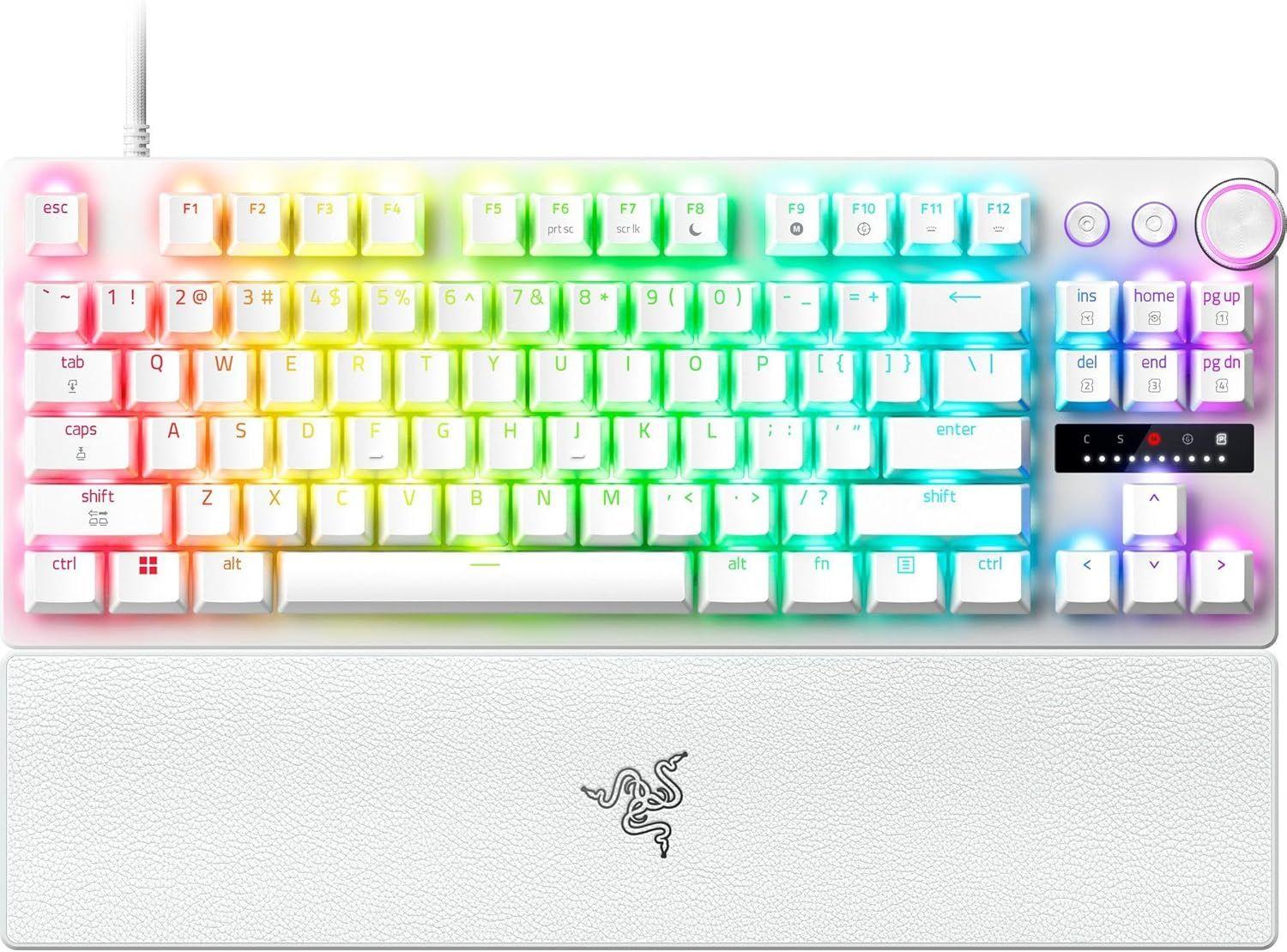
- Razer Chroma™ RGB
- Wrist Rest
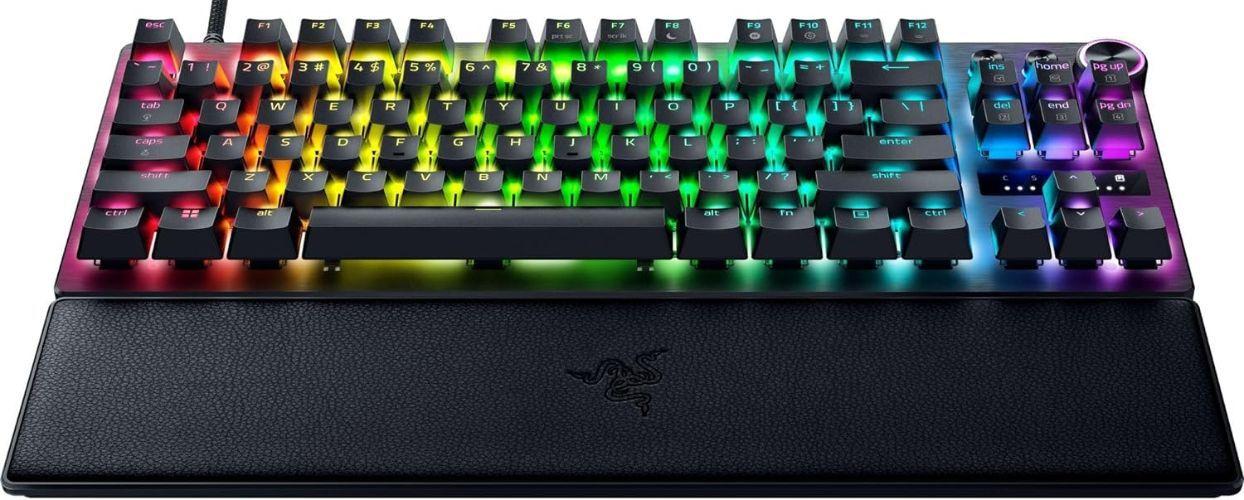
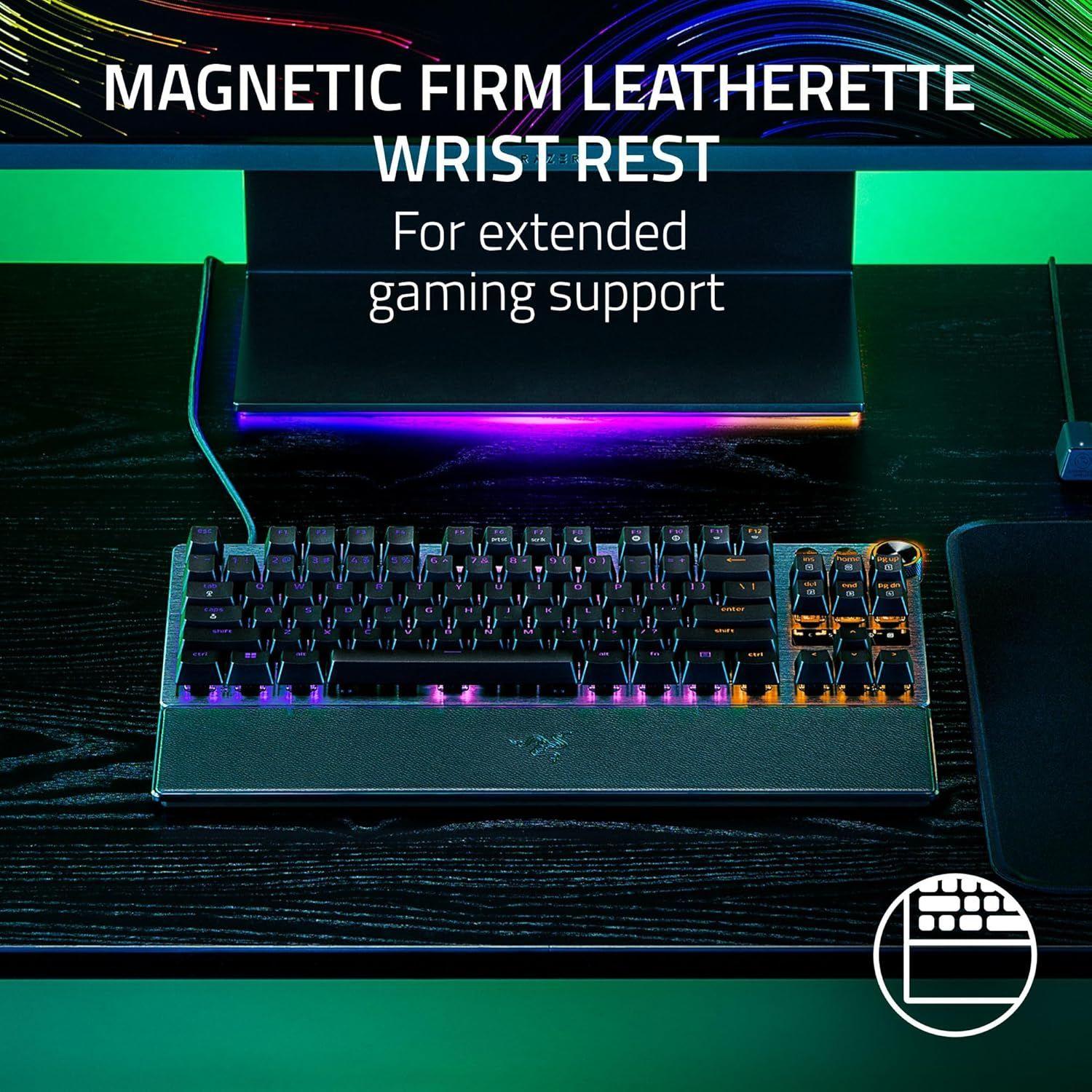
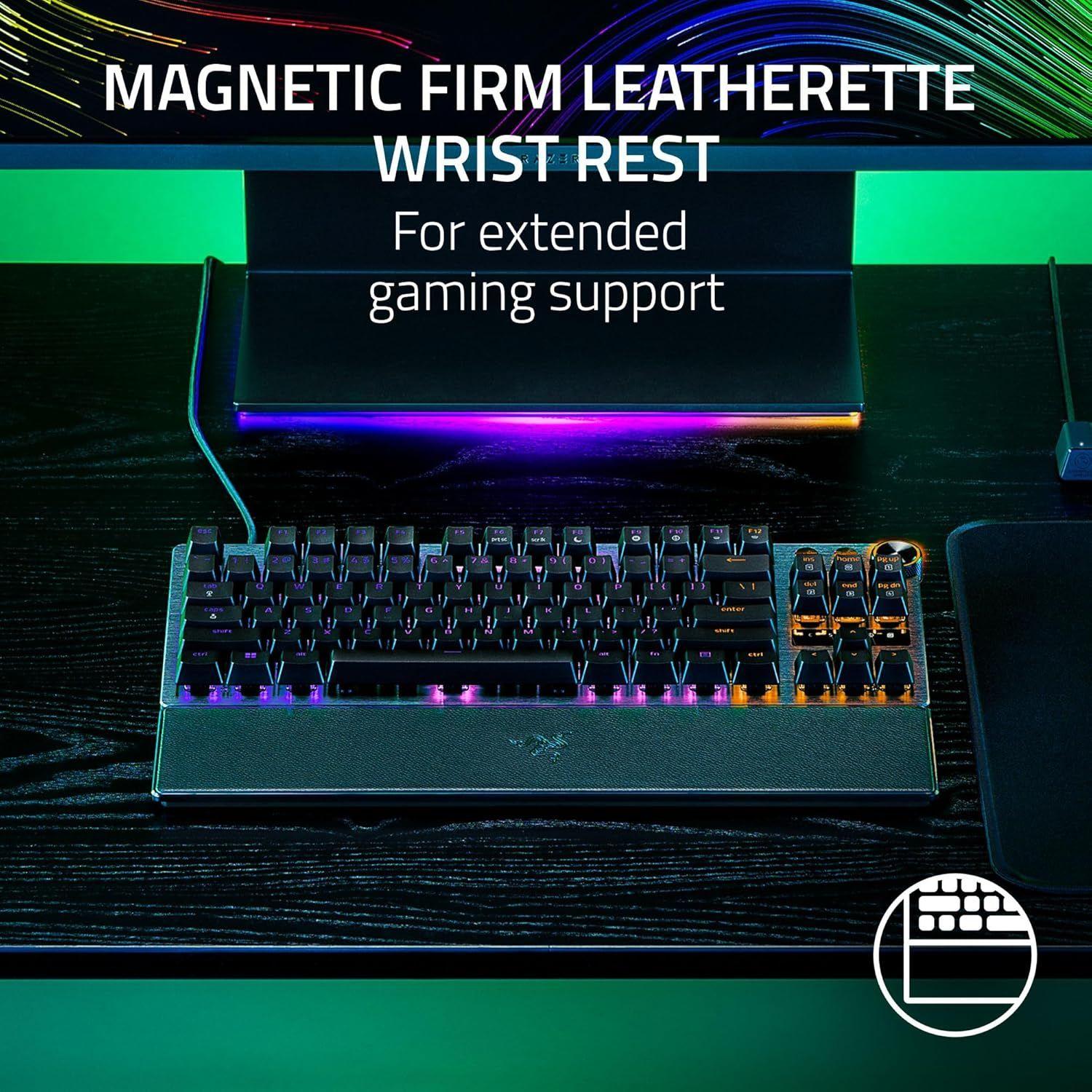
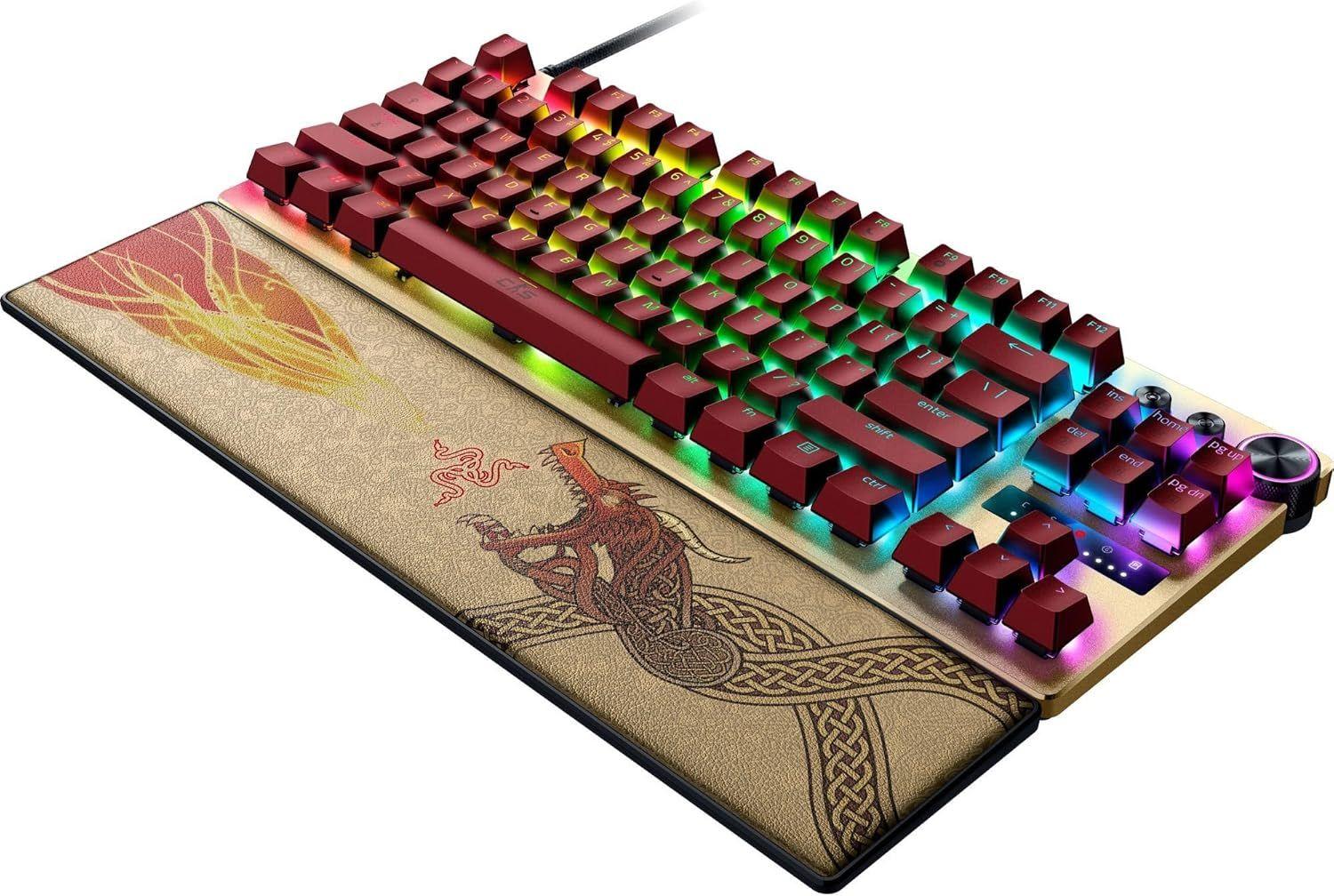
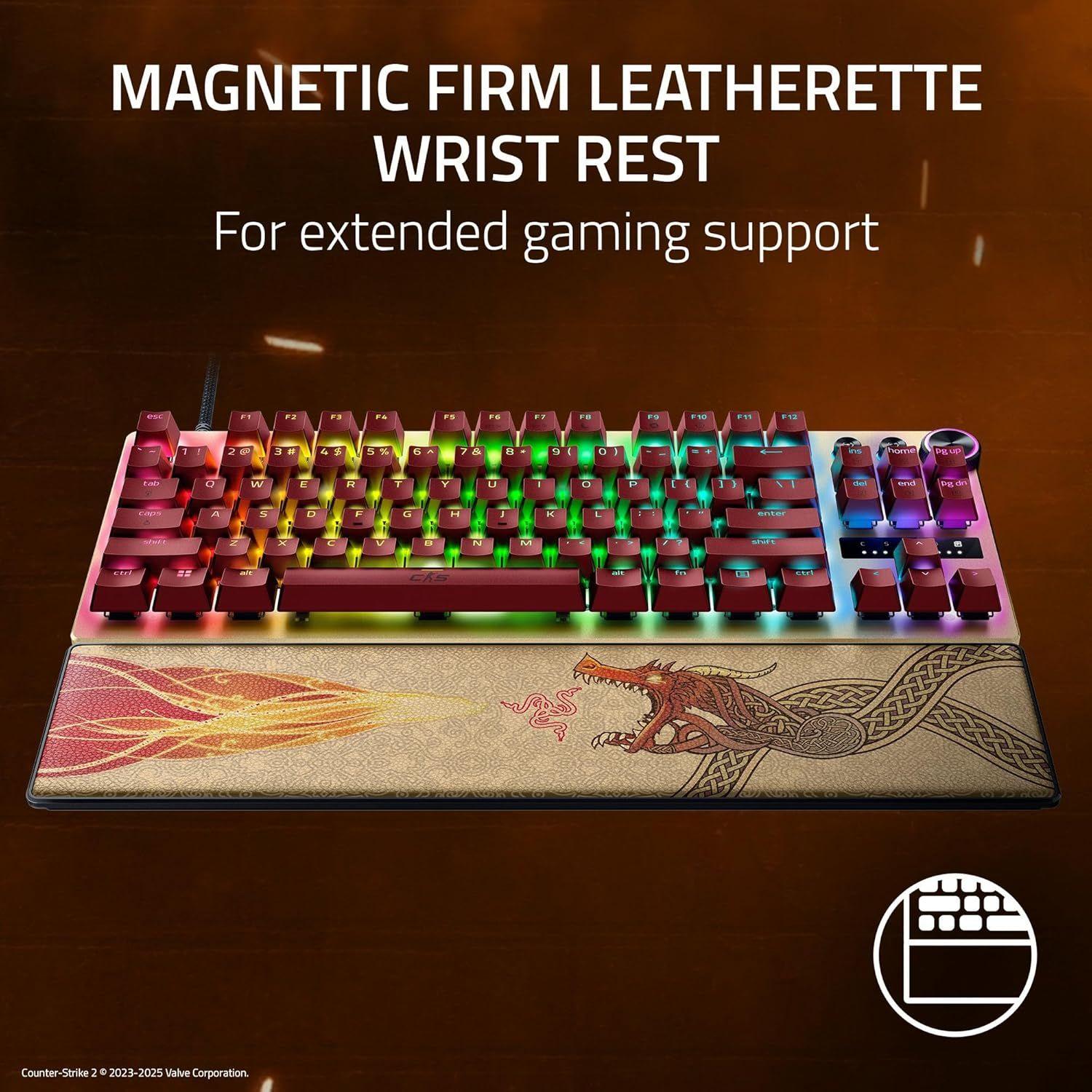
- Yes, Magnetic Firm Leatherette Wrist Rest
- Onboard Memory
- Hybrid on-board storage for up to 6 profiles
- Media Keys
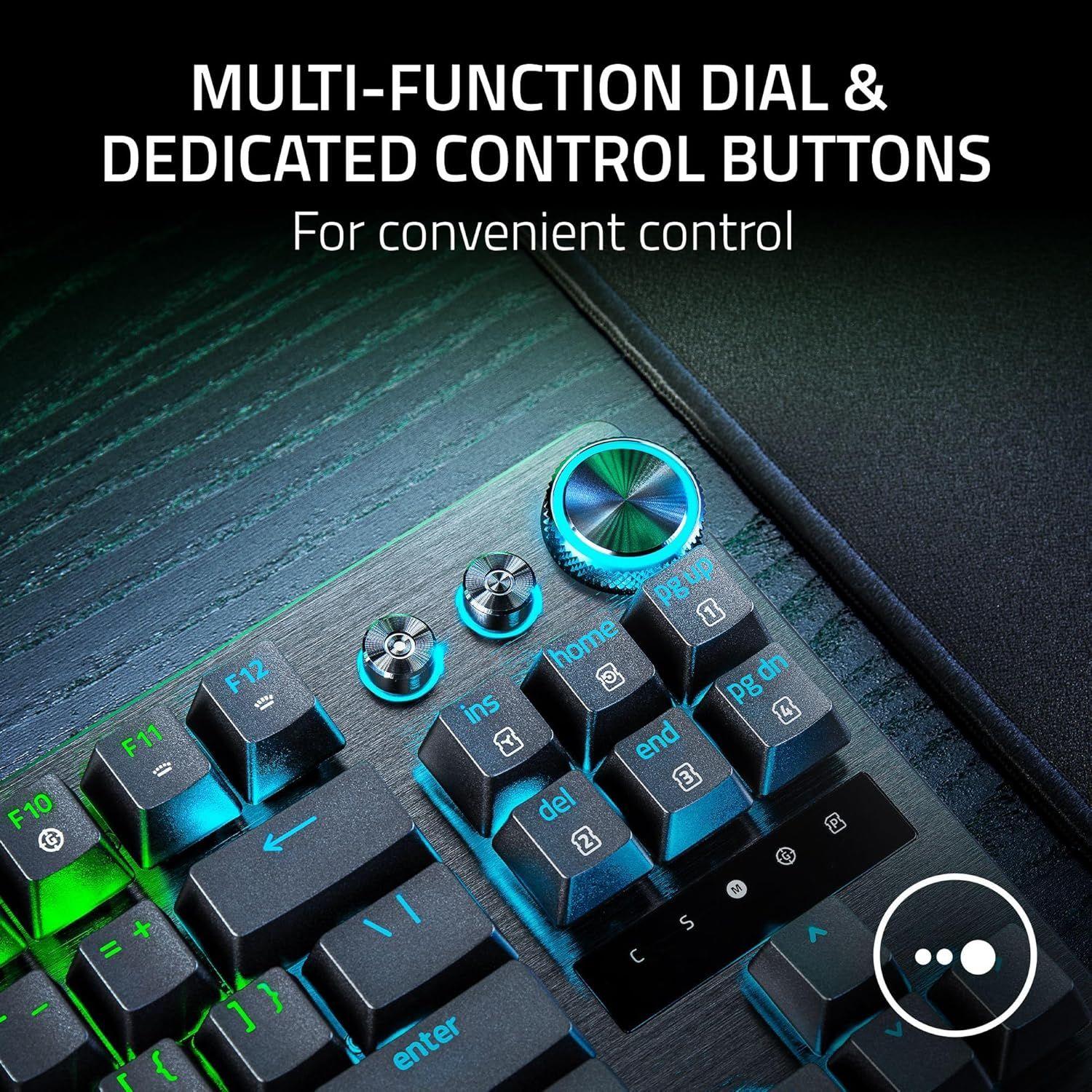
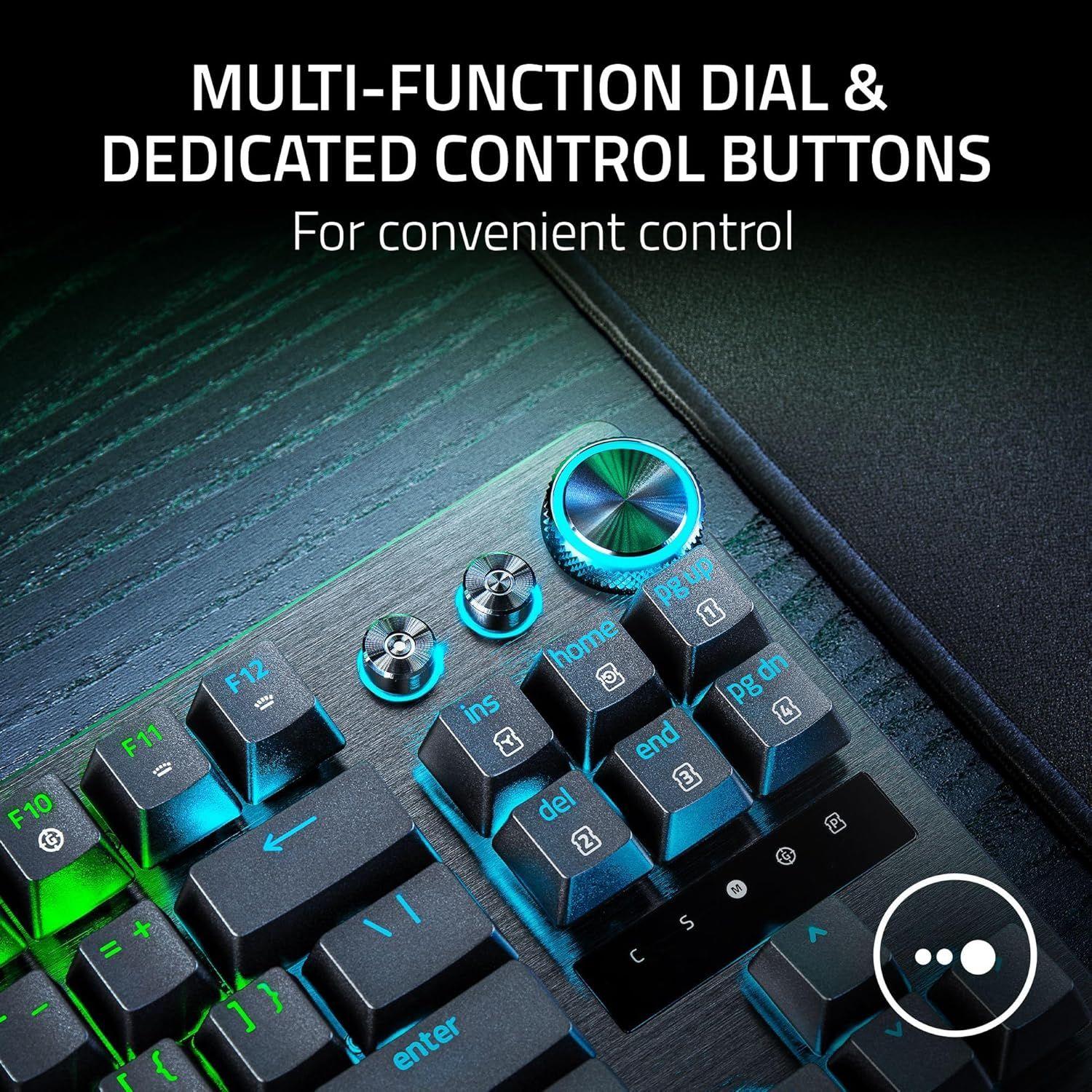
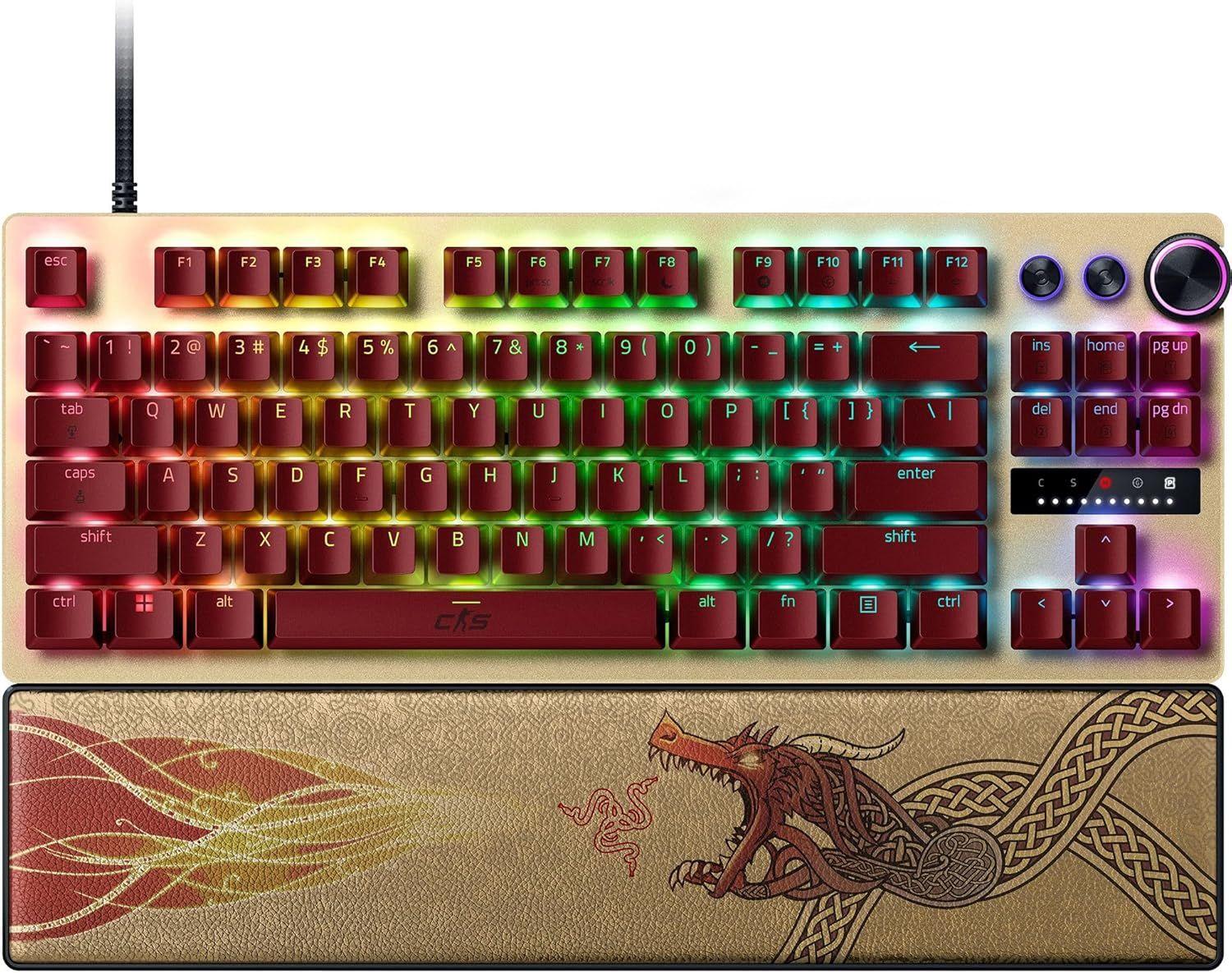
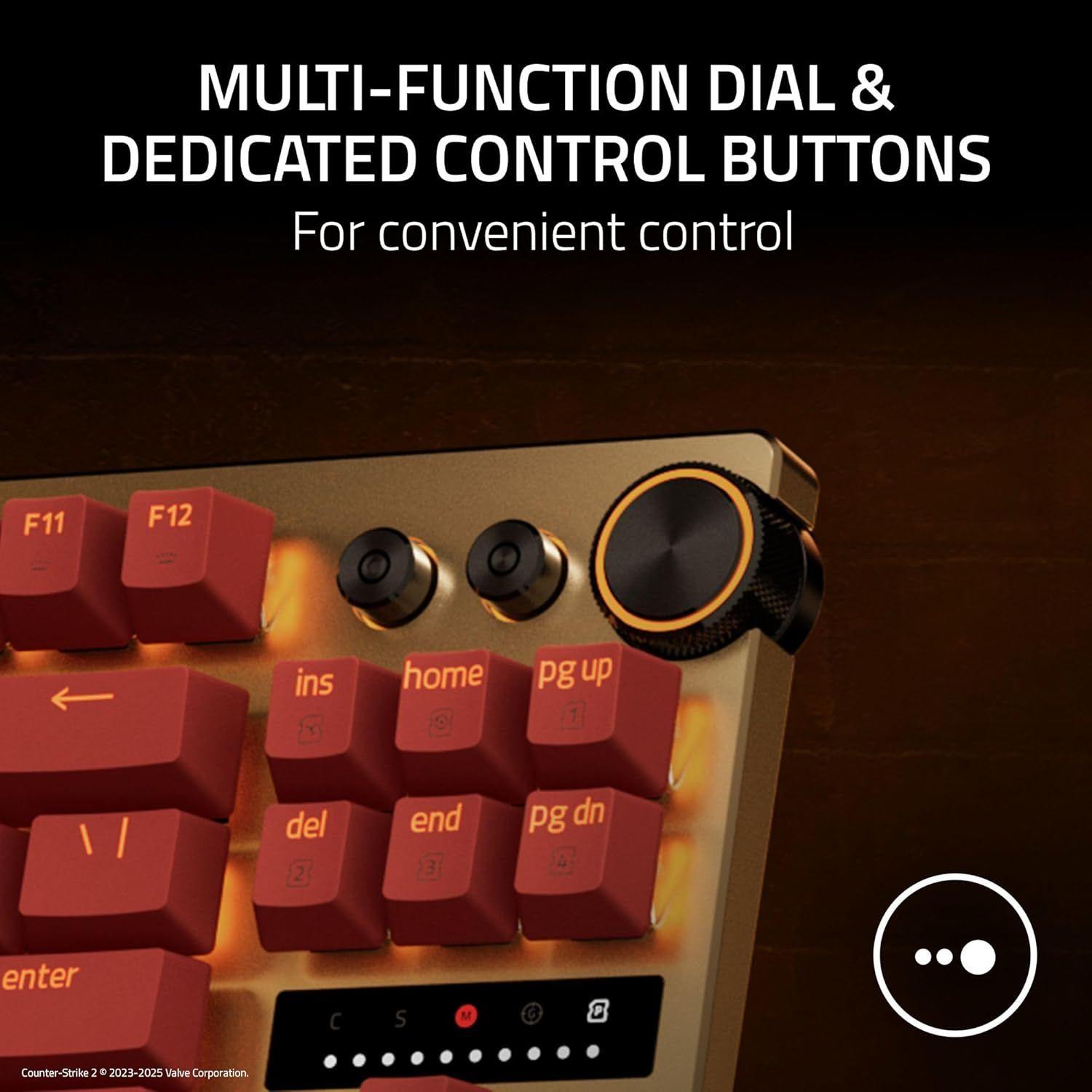
- Multi-function Dial with 3 dedicated button
- Passthrough
- None
- Connectivity
- Detachable Type C Cable
- Keycaps
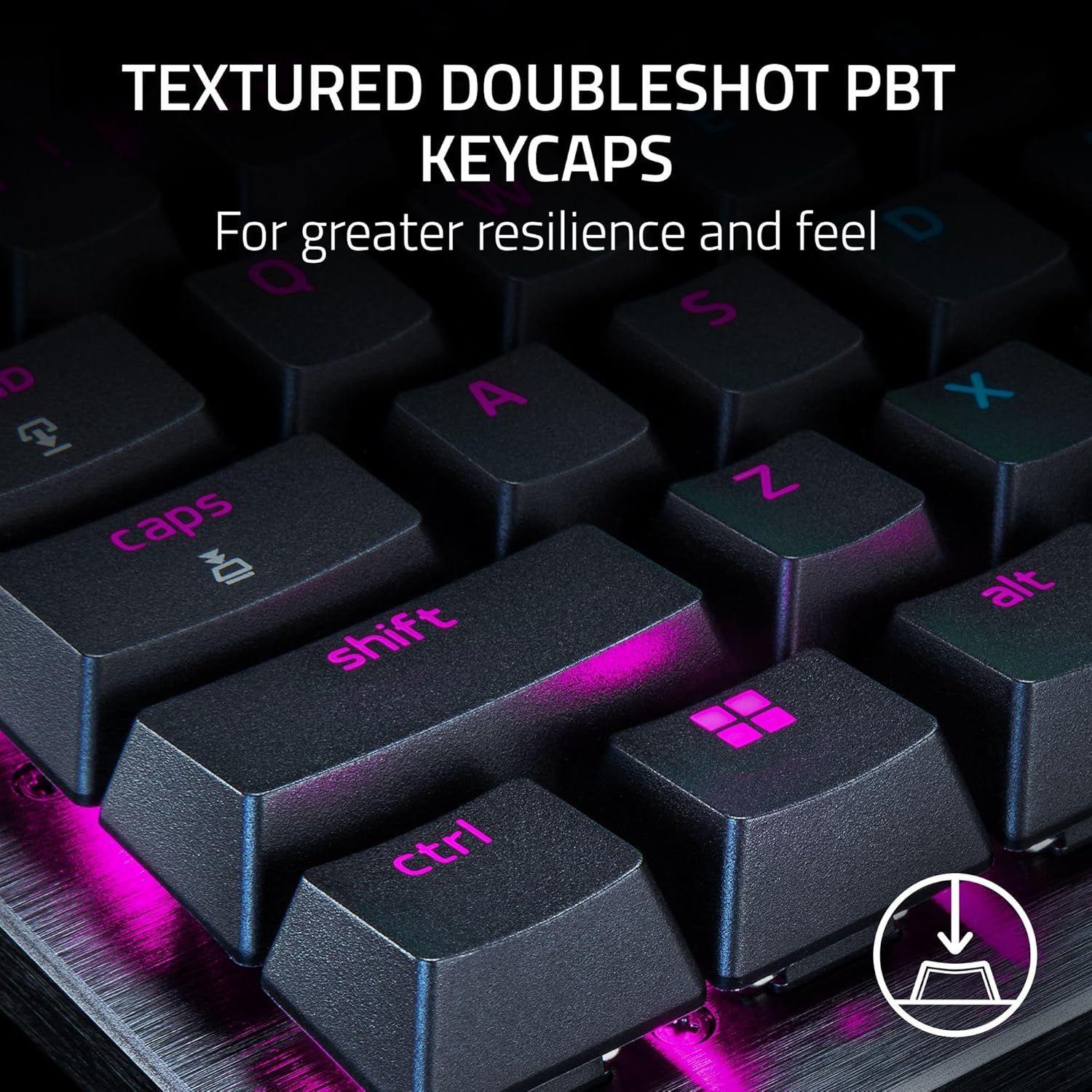
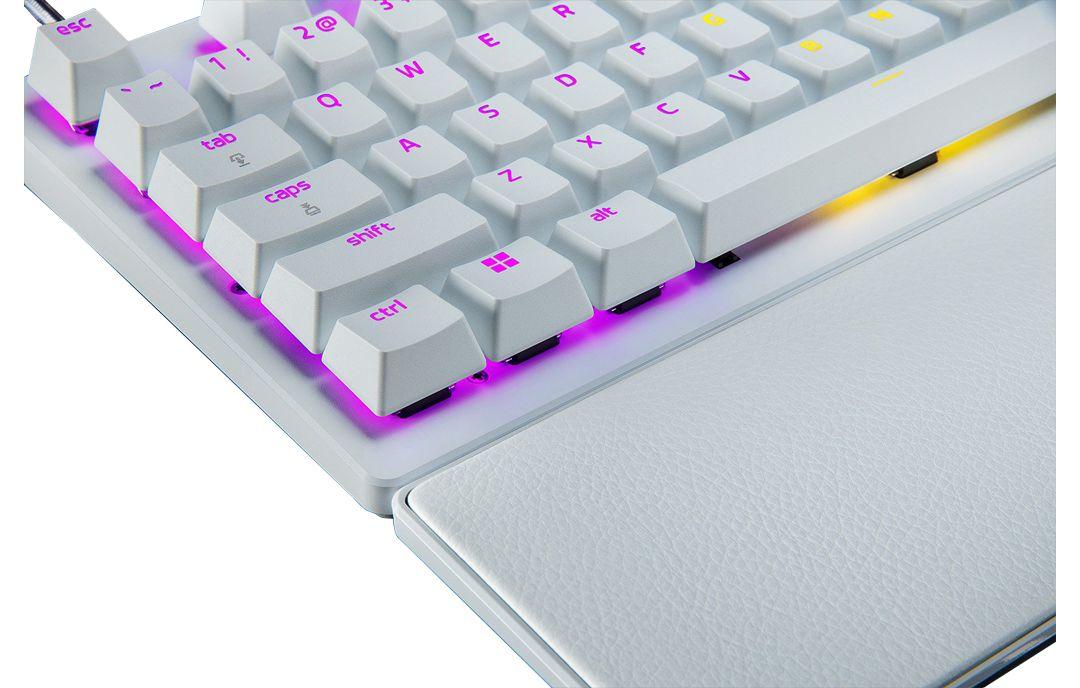
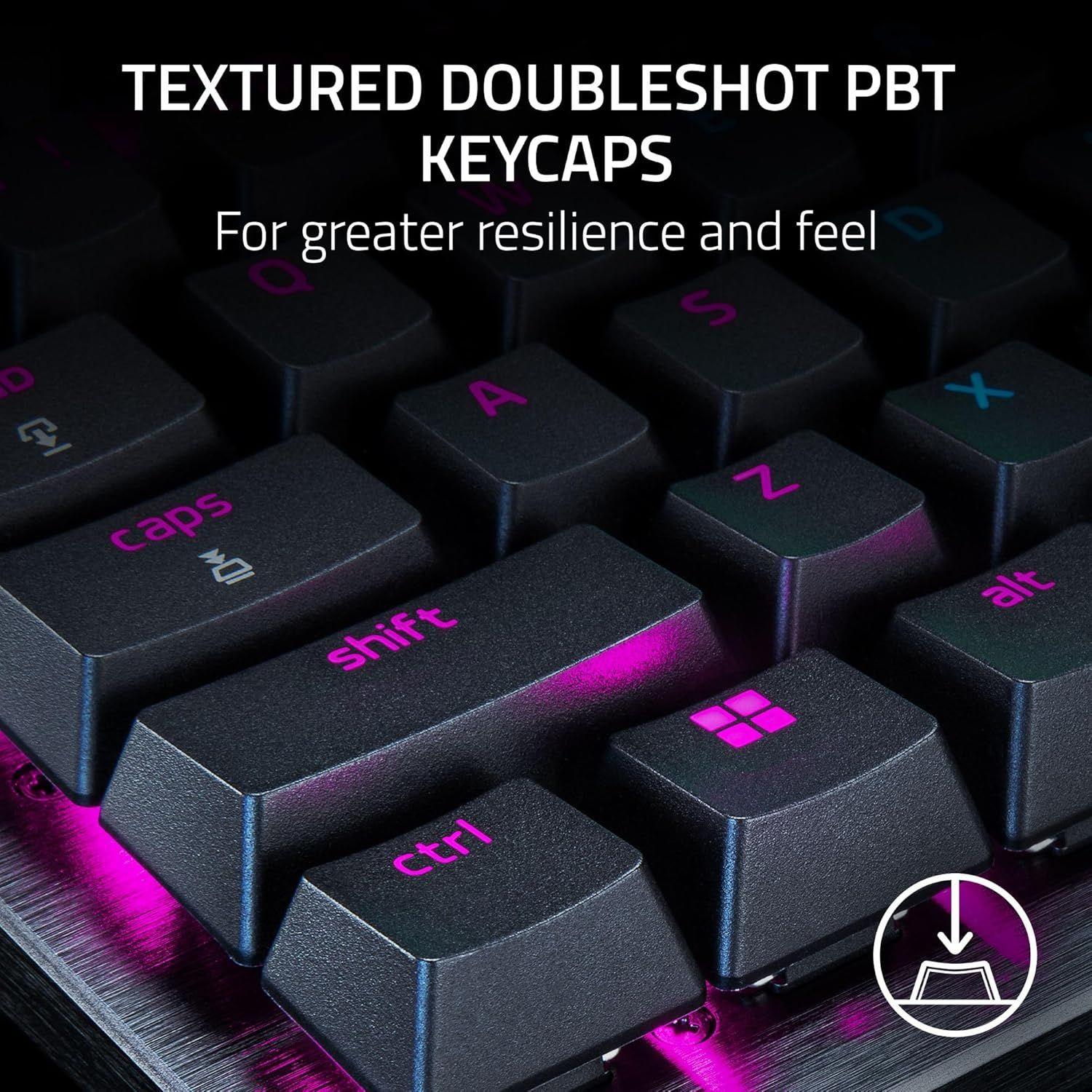
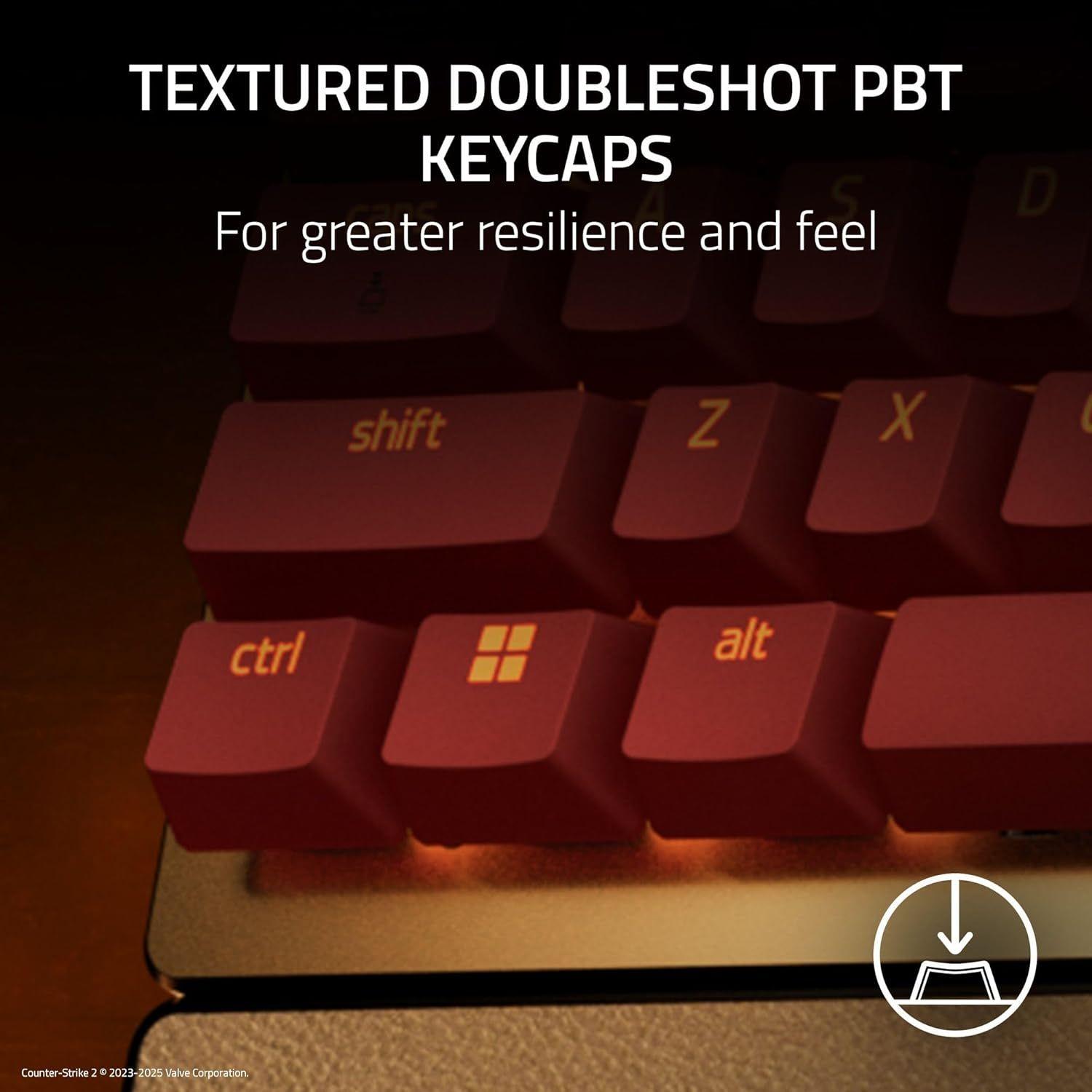
- Doubleshot PBT Keycaps
- Others
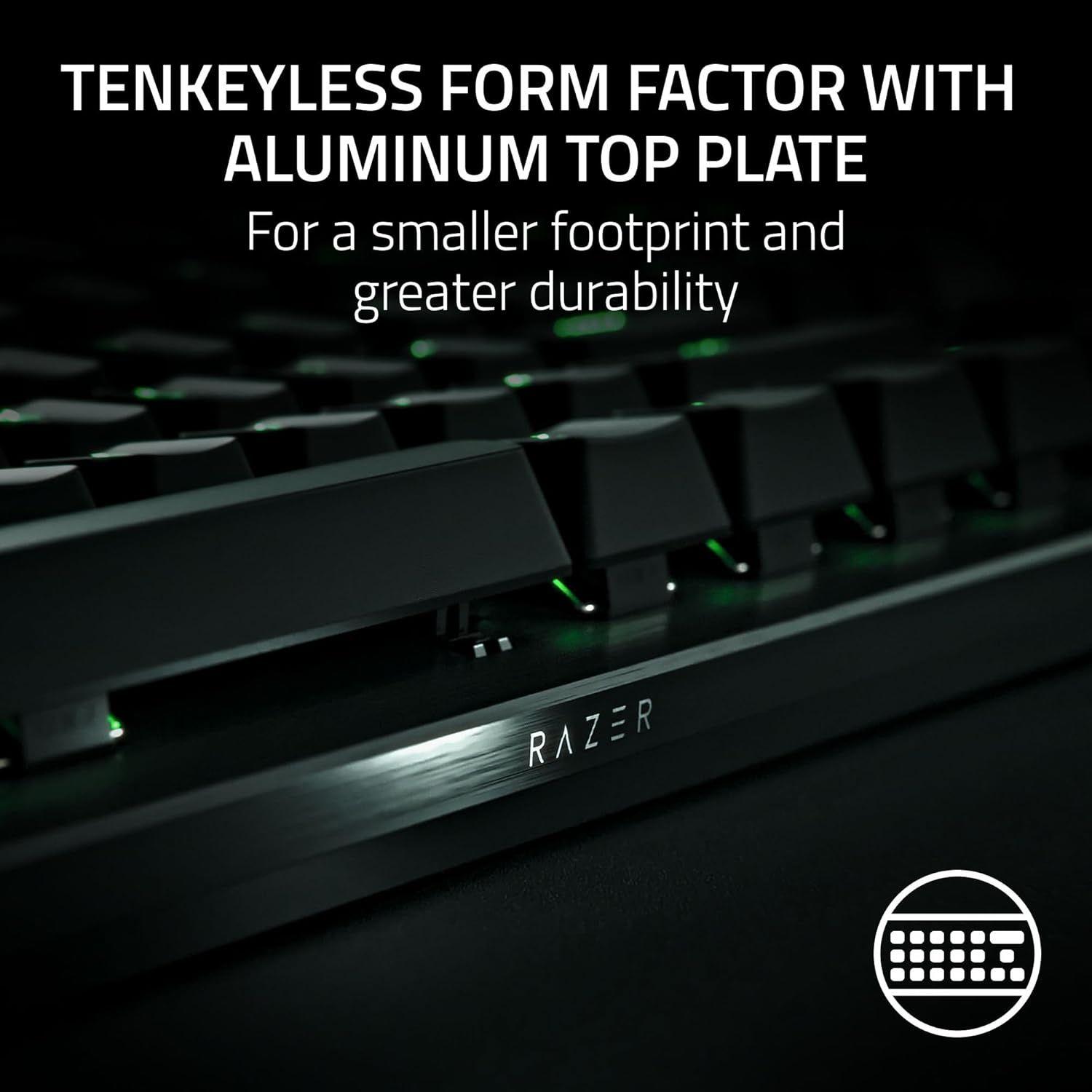
- Razer™ Snap Tap | Rapid Trigger Mode | Adjustable Actuation | Analog Input | Dual-step Actuation | Quick onboard adjustment for Actuation and Rapid Trigger | Razer™ Synapse enabled | N-key Rollover with Anti-ghosting | 1000 Hz Polling Rate | 5052 Brushed Aluminum Alloy Top Case | Magnetic Firm Leatherette Wrist Rest | Fully programmable keys with on-the-fly macro recording | Gaming Mode
Razer Huntsman V3 Pro TKL Gaming Keyboard
BEZPŁATNA dostawa
Opis produktu
[ FOR THE PRO ]
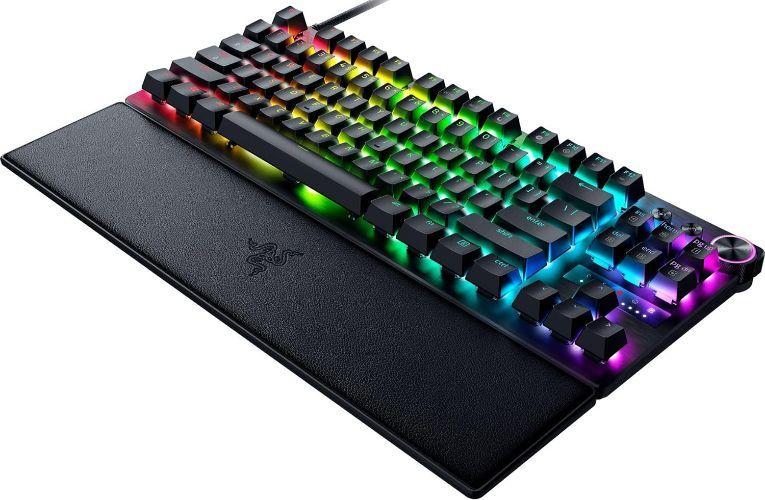
- Embrace a new standard of speed with the Razer Huntsman V3 Pro Tenkeyless. Supercharged by Razer™ Snap Tap and Rapid Trigger Mode, execute more responsive inputs at unfair speeds. Customize further with adjustable actuation to optimize your competitive advantage.
KEY FEATURES:
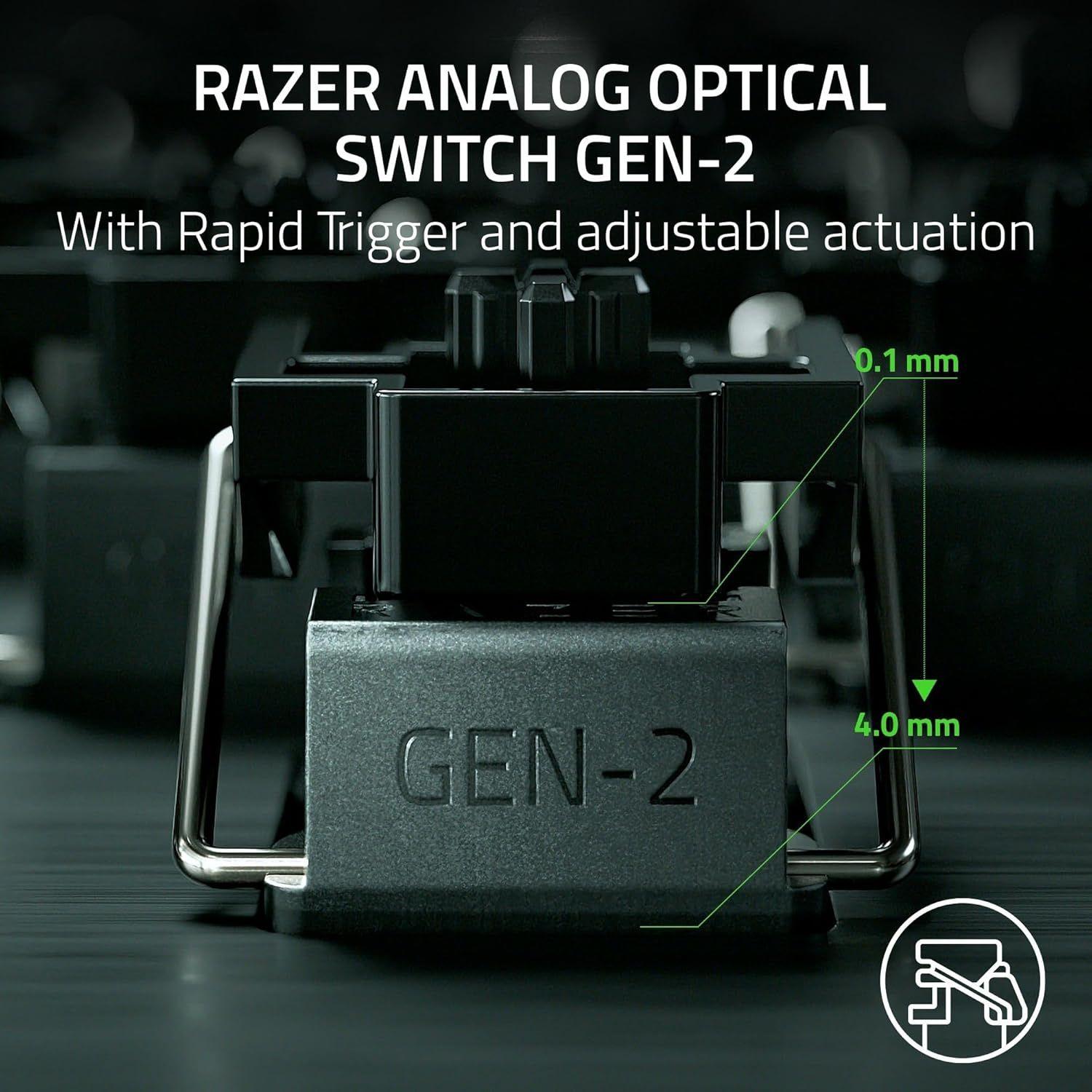
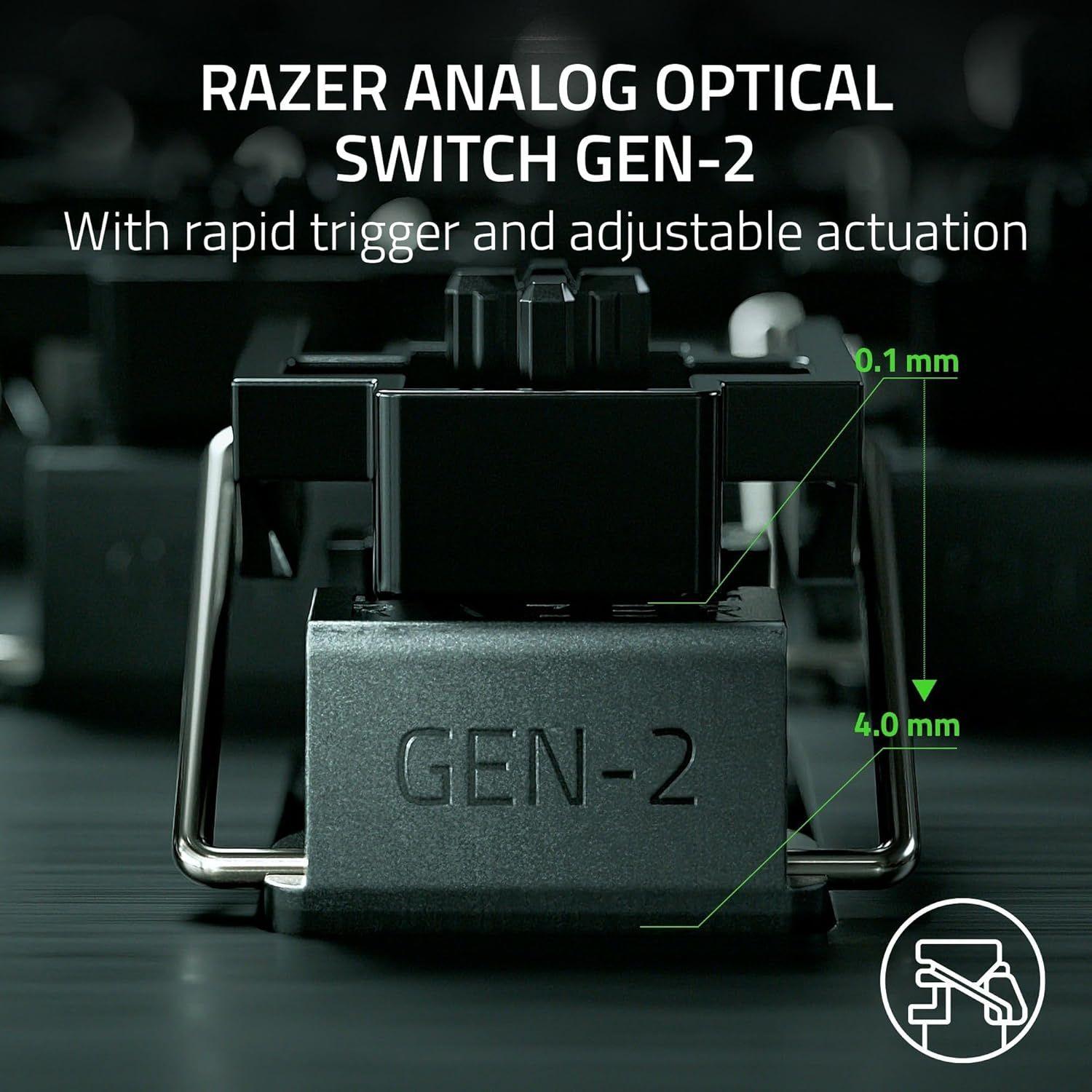
RAZER™ ANALOG OPTICAL SWITCHES GEN‑2
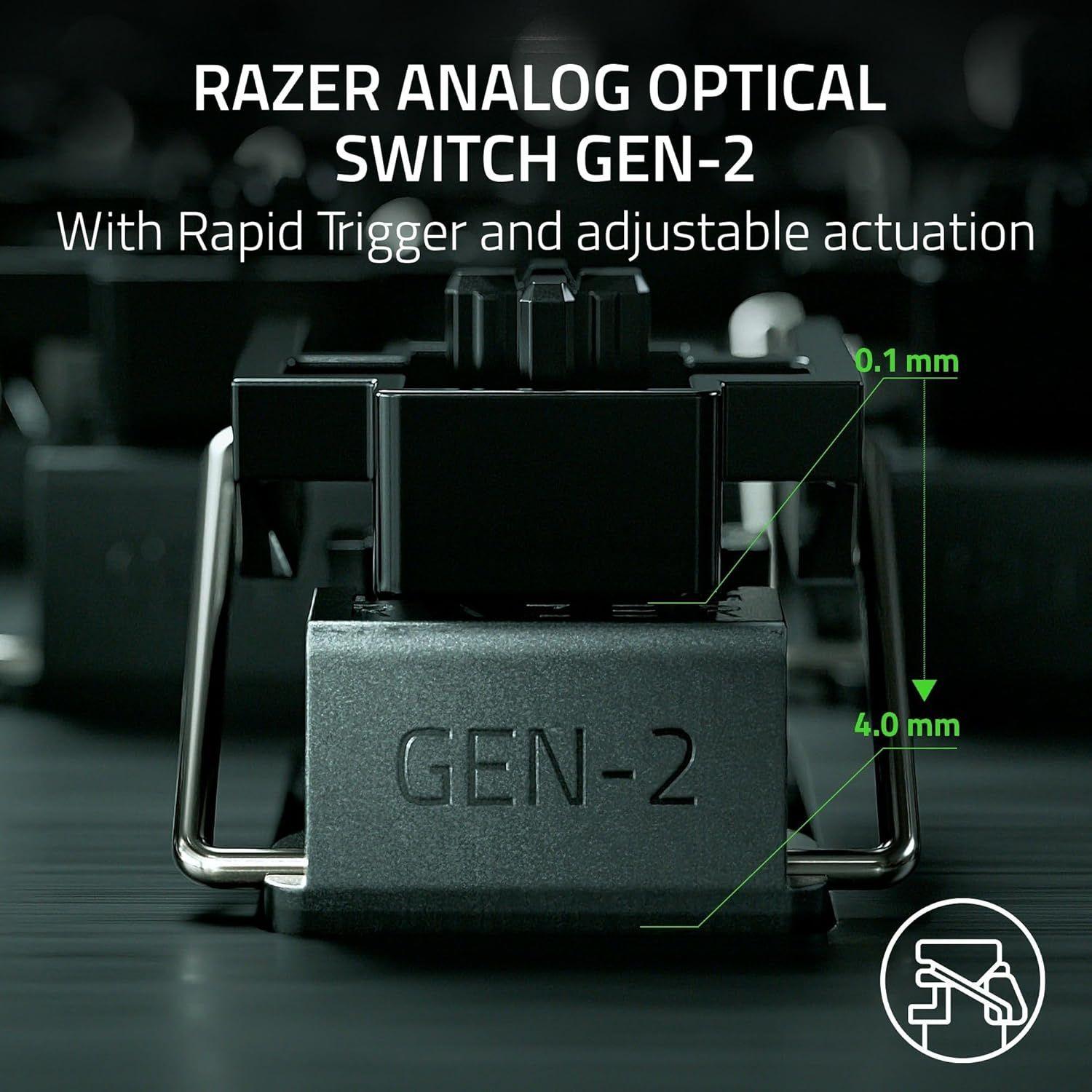
- • Rapid Trigger and Adjustable Actuation. Max out on precision and response with a TKL keyboard featuring our most advanced switches, including Rapid Trigger for ultra-fast repeated inputs, a 0.1 to 4.0 mm adjustable actuation range, and a 100-million keystroke lifespan.
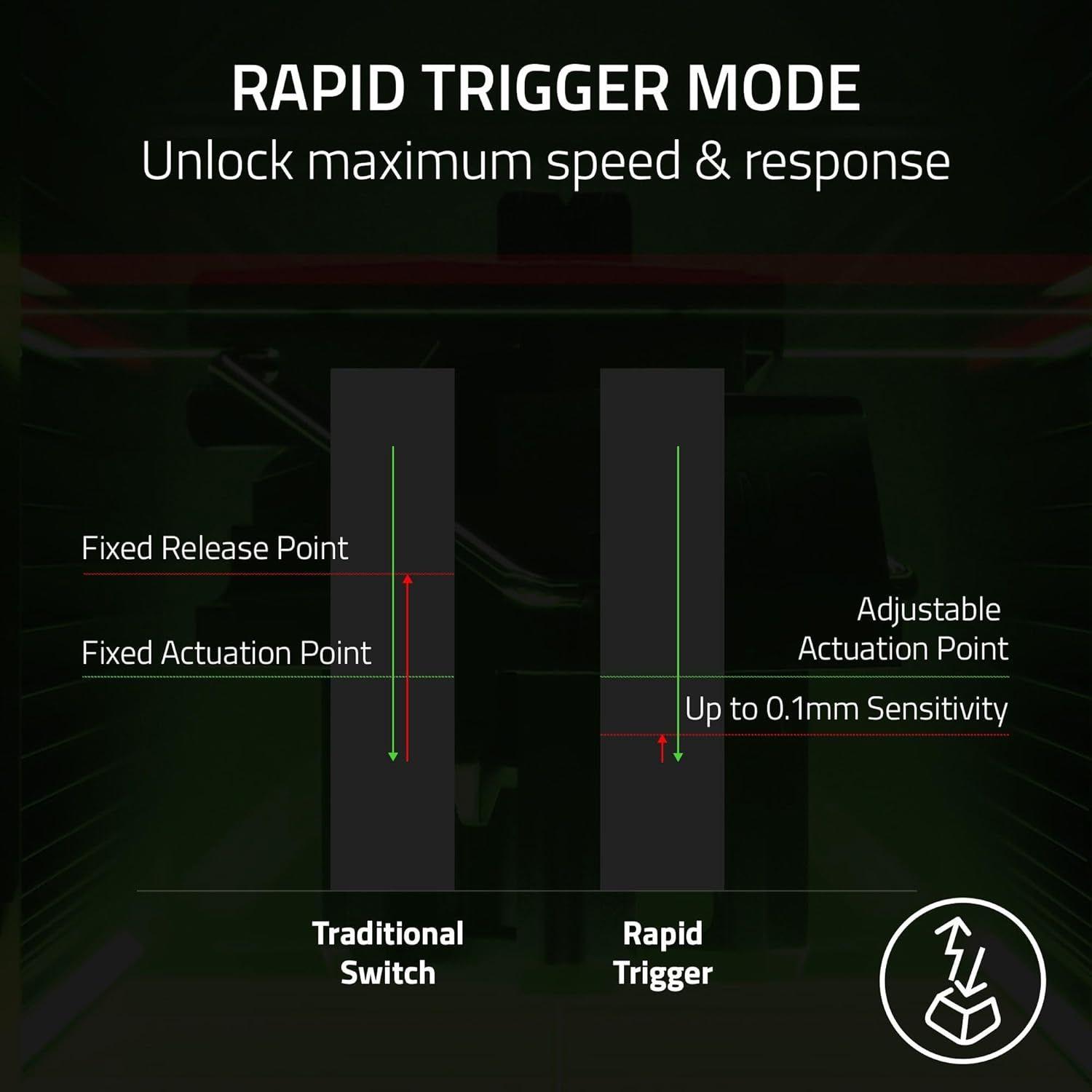
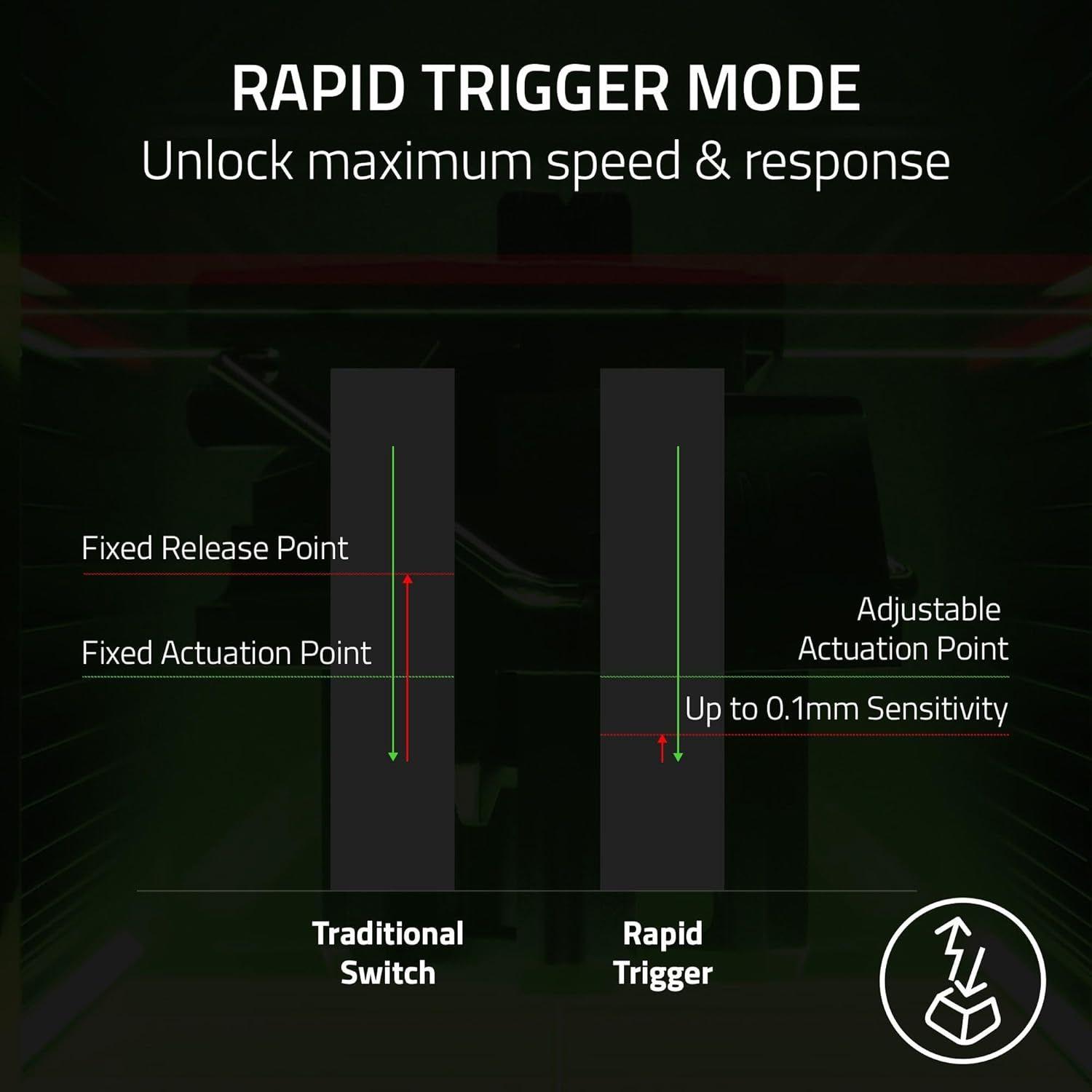
RAPID TRIGGER MODE
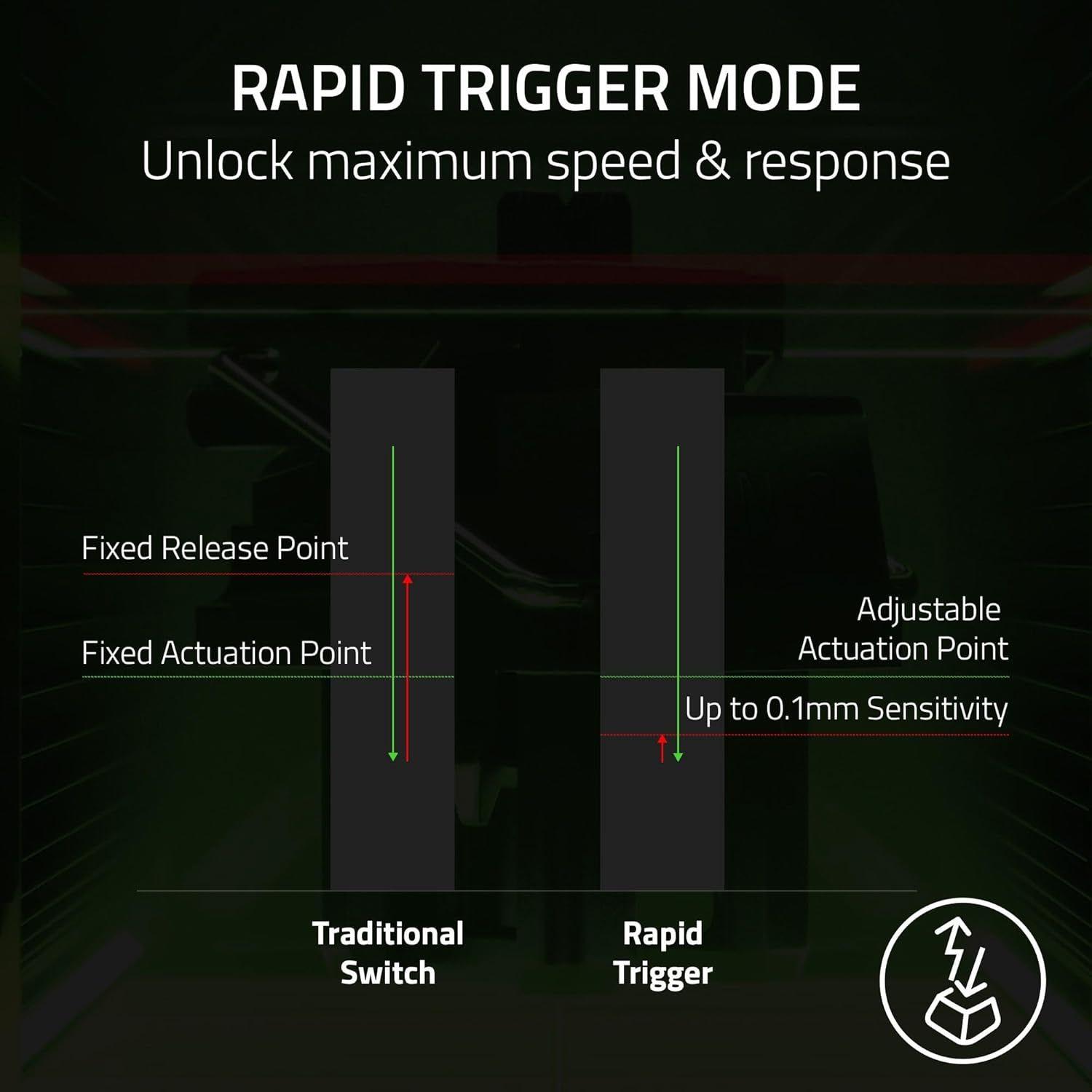
- • Instead of a fixed reset point, keys reset instantly with an upward motion as low as 0.1 mm. This allows for faster repeated keystrokes compared to standard keyboards, which significantly enhances in‑game responsiveness.
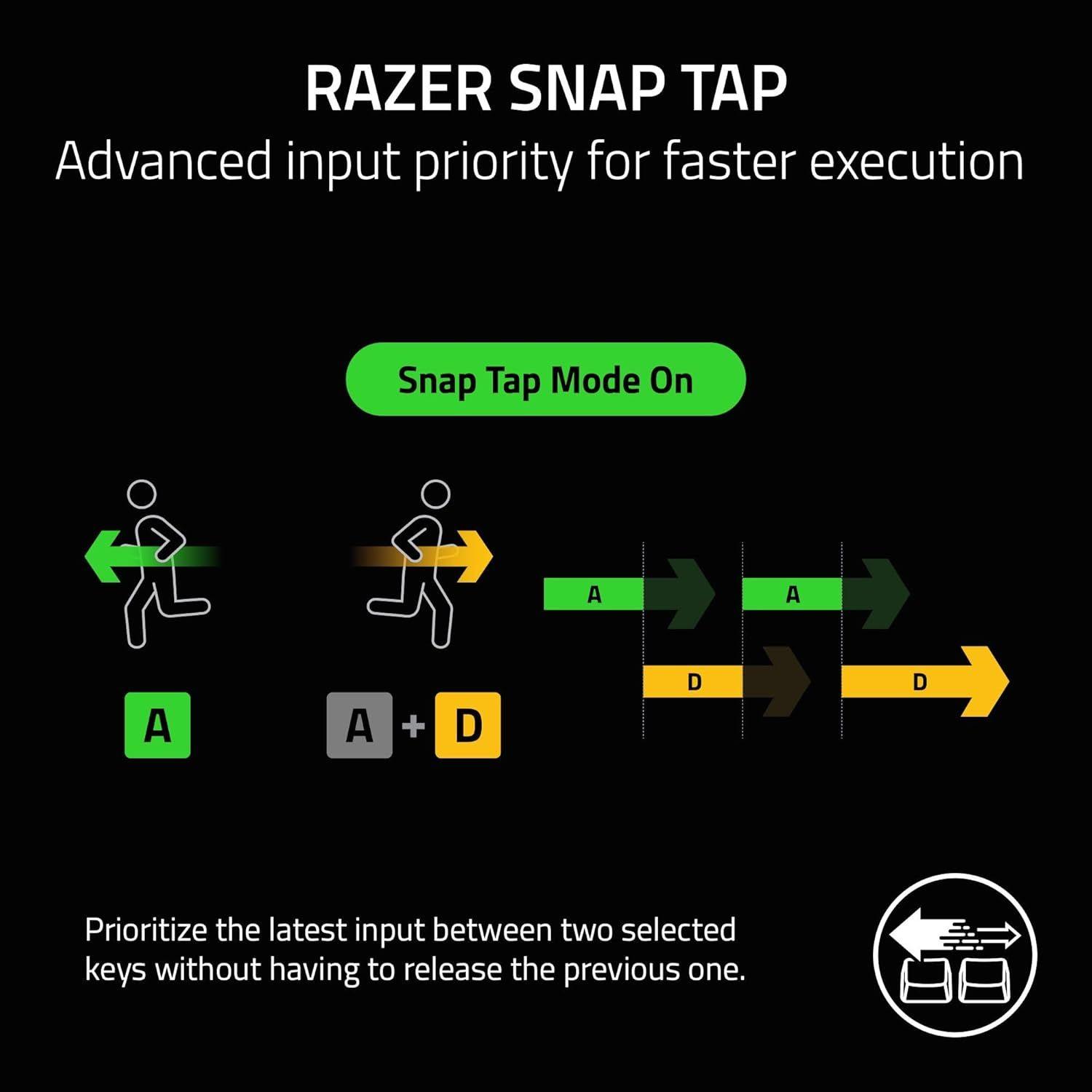
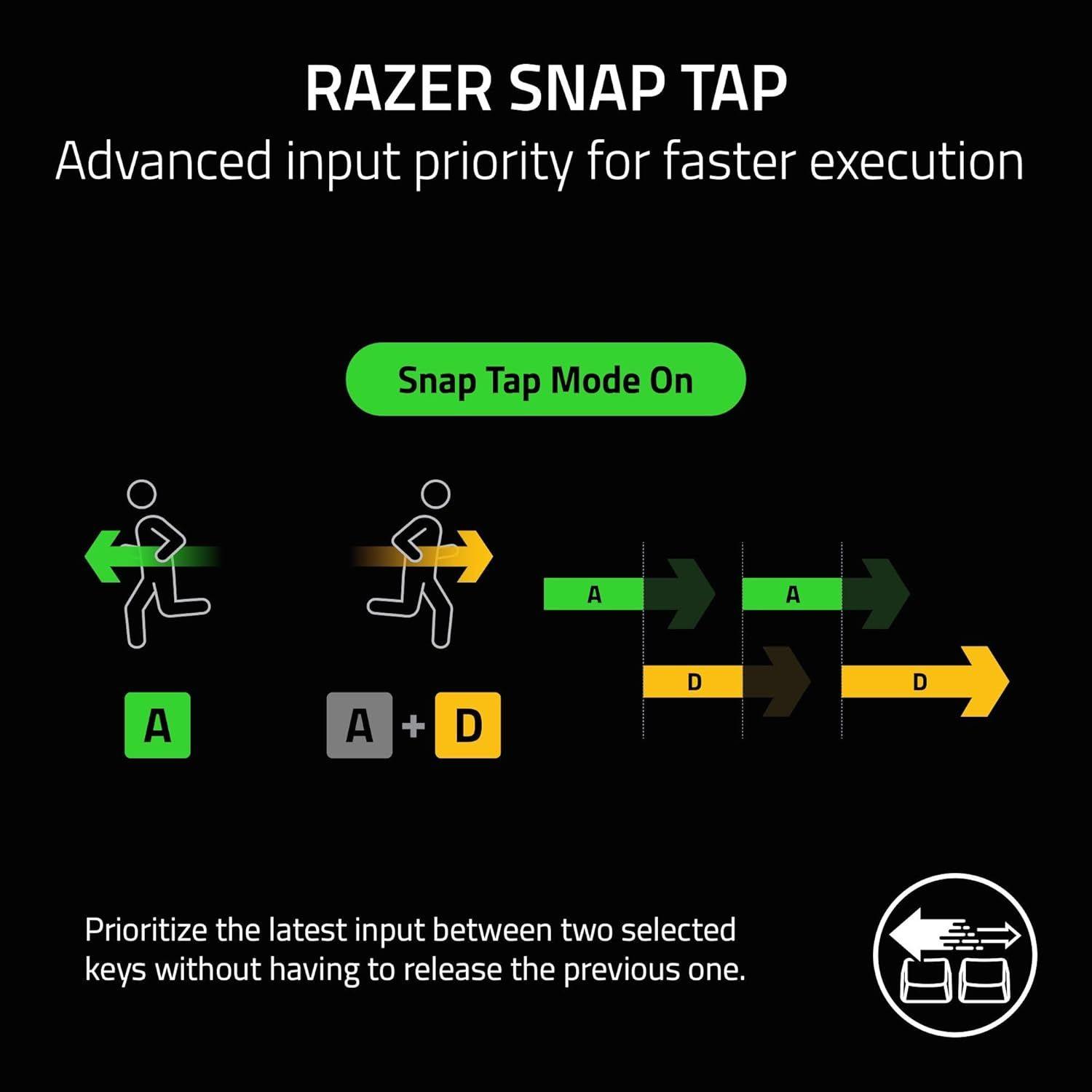
RAZER™ SNAP TAP
- • Prioritize the latest input between two selected keys without having to release the previous one. Enjoy more responsive inputs for near-instant directional changes. Snap Tap is OFF by default and can be toggled ON/OFF via Razer Synapse or using the hotkey FN + Left Shift.
ADJUSTABLE ACTUATION
- • Supporting a full range of actuation from 0.1 to 4.0 mm, customize the switches to be as sensitive as you want and achieve a setting that best suits your playstyle.
- 40 G ACTUATION FORCE: Enjoy greater response with a lighter actuation force that lets you play and react quicker than ever before. From counter-strafing to aiming to dodging, gain a split-second advantage you need to come out on top in every exchange.
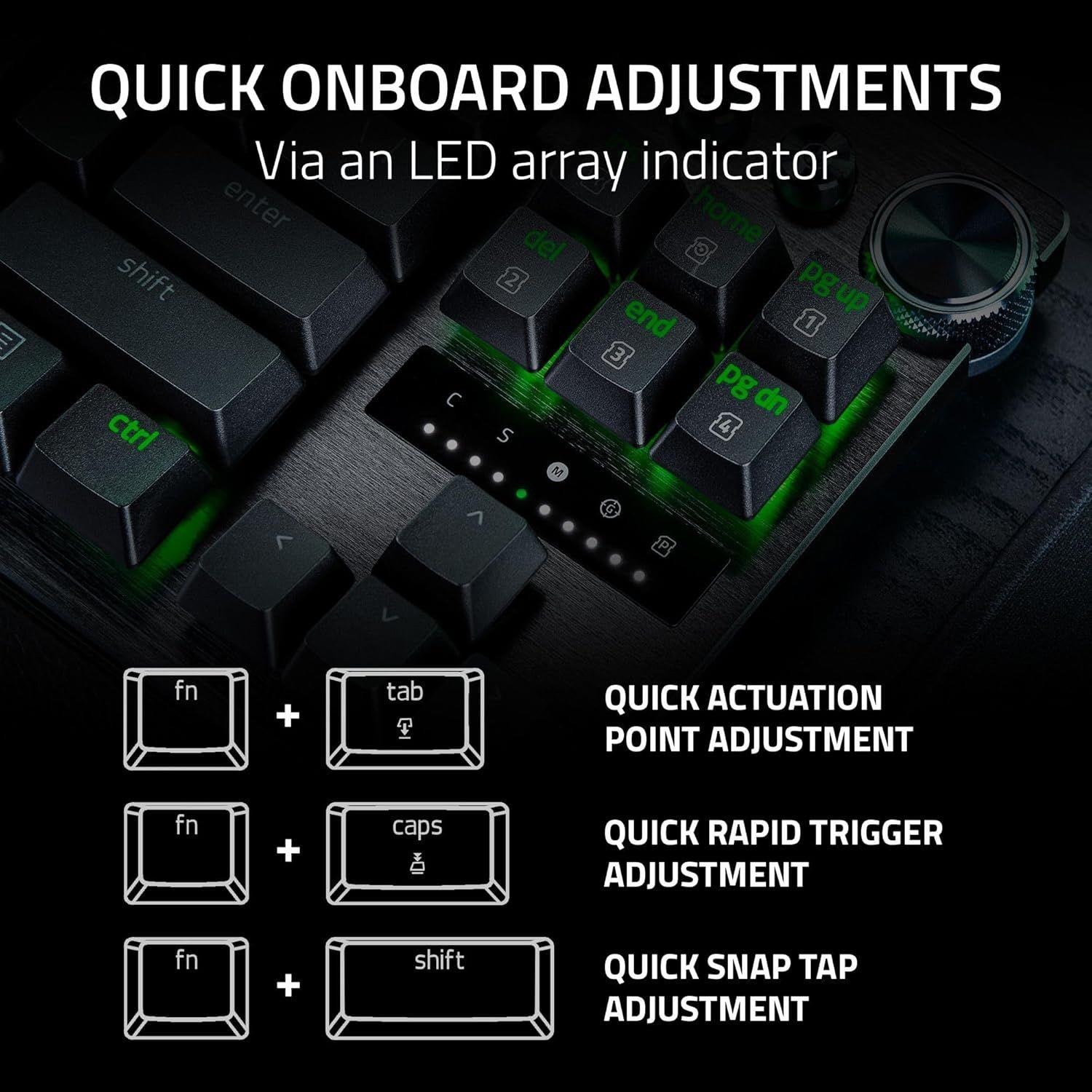
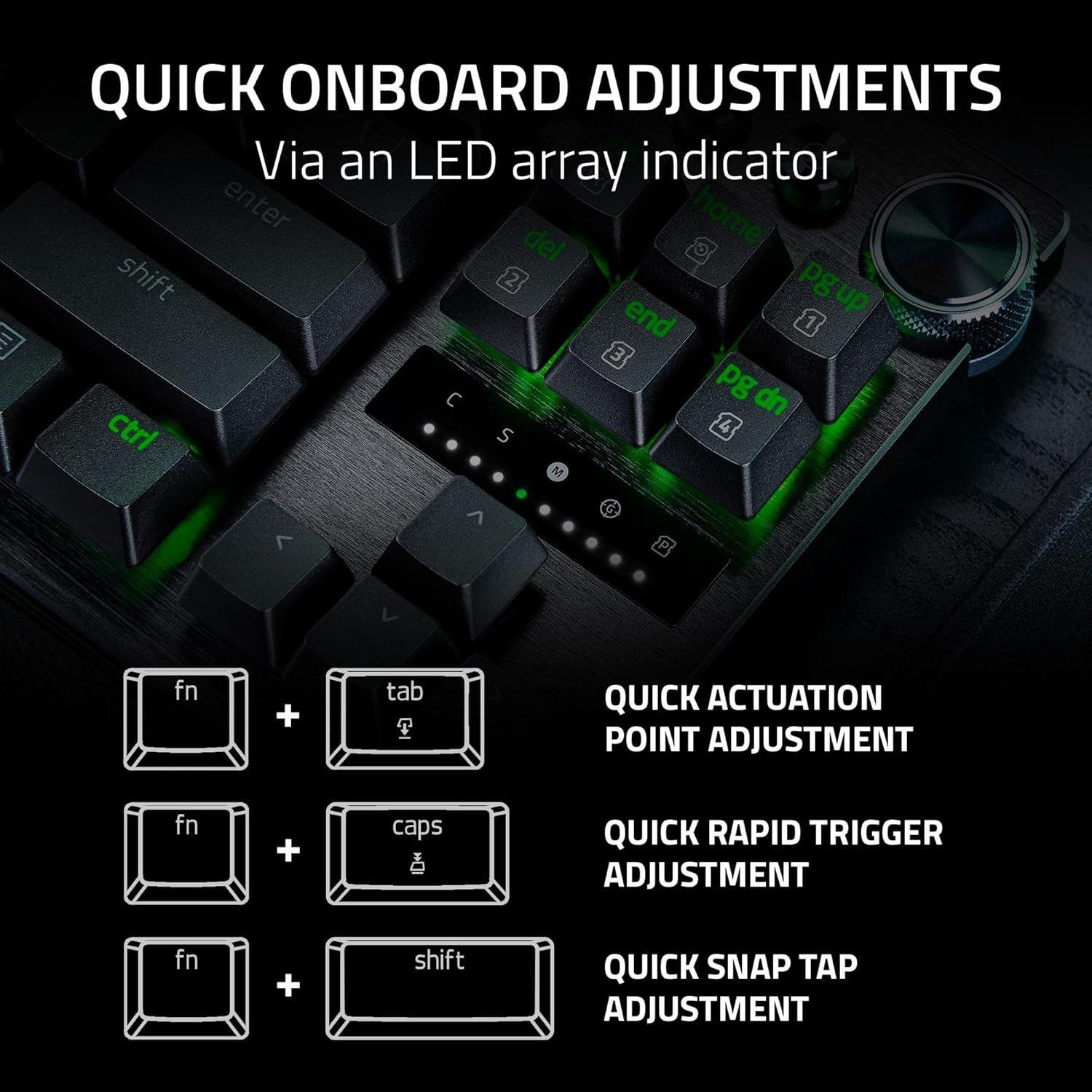
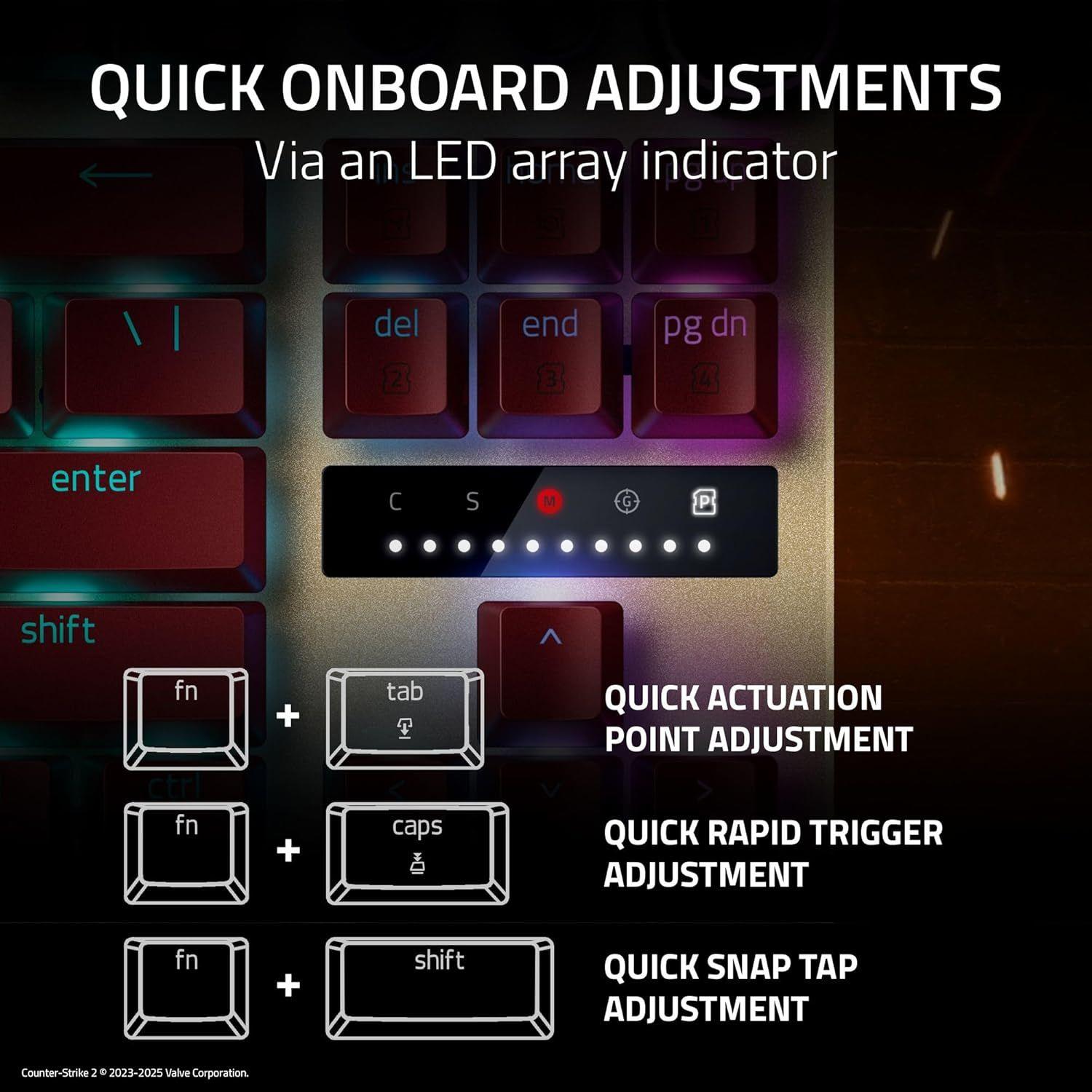
QUICK ONBOARD ADJUSTMENTS
- • Via an LED Array Indicator - Make precise, on-the-fly adjustments to actuation height or Rapid Trigger sensitivity with the visual aid of an onboard LED array. Save the settings to the keyboard and get access to greater customization through Razer Synapse.
QUICK ACTUATION ADJUSTMENT MODE
- • Simply hit FN + Tab to begin adjusting the keyboard’s actuation point. Next, press any key to test its actuation height and use the digital dial or arrow keys to adjust accordingly. Press Esc to exit the mode and save your settings to the onboard memory.
QUICK RAPID TRIGGER ADJUSTMENT MODE
- • Simply hit FN + Caps Lk to begin adjusting Rapid Trigger settings and press Caps Lk to toggle Rapid Trigger Mode on or off. Next, press any key to test your current Rapid Trigger settings and use the digital dial or arrow keys to adjust accordingly. Press Esc to exit the mode and save your settings to the onboard memory.
QUICK SNAP TAP ADJUSTMENT MODE
- • Simply hit FN + Left Shift to immediately toggle Snap Tap. The A and D keys are paired to this mode by default. Paired keys will light up white when Snap Tap is on and light up red when Snap Tap is off.
Premium, odnowione.
Sprawdzona jakość.
4,7z /5
na podstawie 70 000 opinii
Trustpilot

Oszczędź do 70%
Gwarancja: Miesięcy: 12
Jakość sprawdzona przez ekspertów
30 dni na test bez ryzyka
Oszczędź do 90% CO2 w porównaniu z nowym


© Reebelo Polska | 106 823 123 | Zarejestrowany podatnik VAT
Bezpłatna wysyłka: Polska30 dni na zwrot – Polska
100% bezpiecznych płatności


